Cowichan Creekkeepers
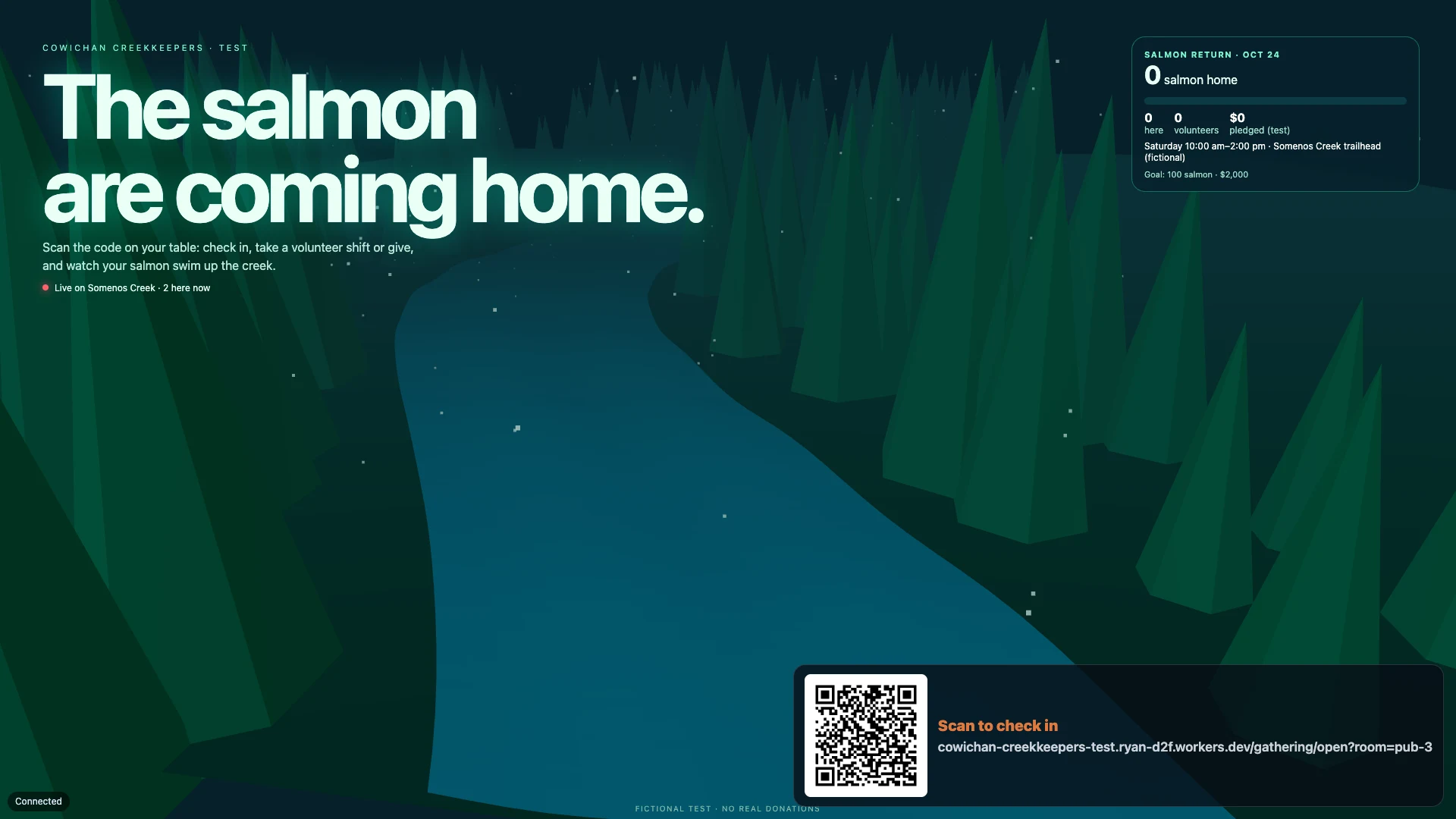
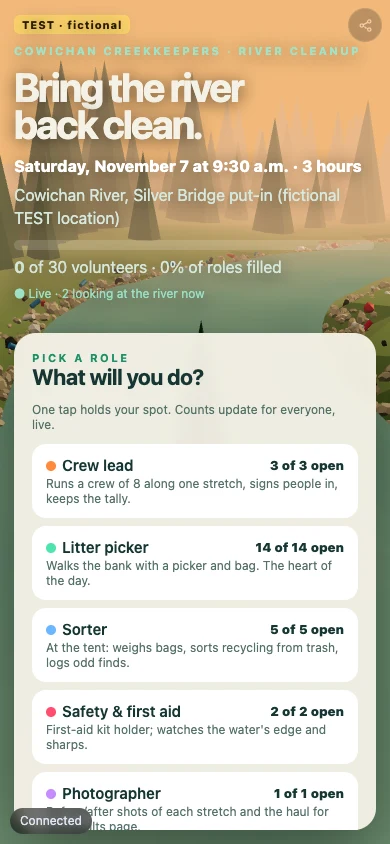
River cleanups and a volunteer gathering, with one-time or monthly gifts.
Make your own · A non-profit Beta
Your AI runs a shared home for your cause. Supporters give and help through it, and nothing is lost when the coordinator moves on.
Community examples
River cleanups and a volunteer gathering, with one-time or monthly gifts.
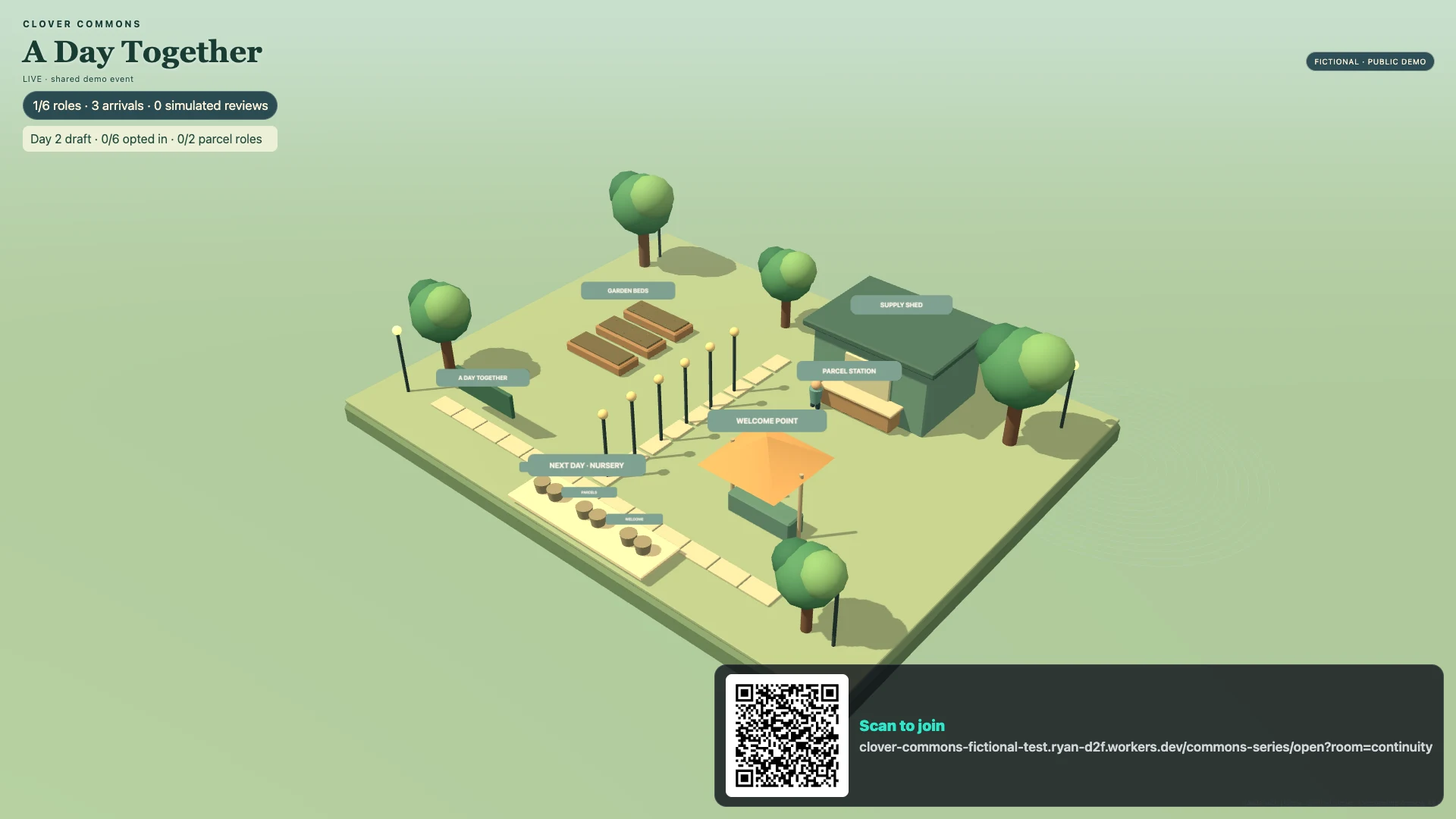
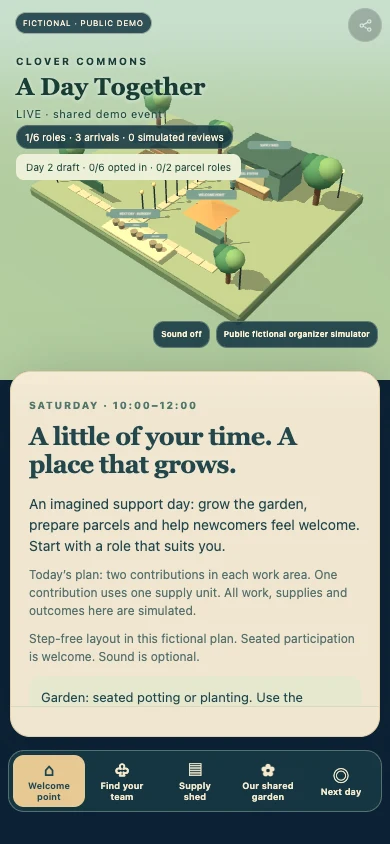
Volunteer coordination that carries on when the coordinator changes.
A fictional example, built with Homie · Made by Homie
Put giving at the heart of your gathering. Supporters pledge from their phones, light a lantern and watch the shoreline return to life on the wall. Every gift becomes part of the picture.
Little Inlet
Open the wall screen on a TV or laptop, then scan the code with your phone.
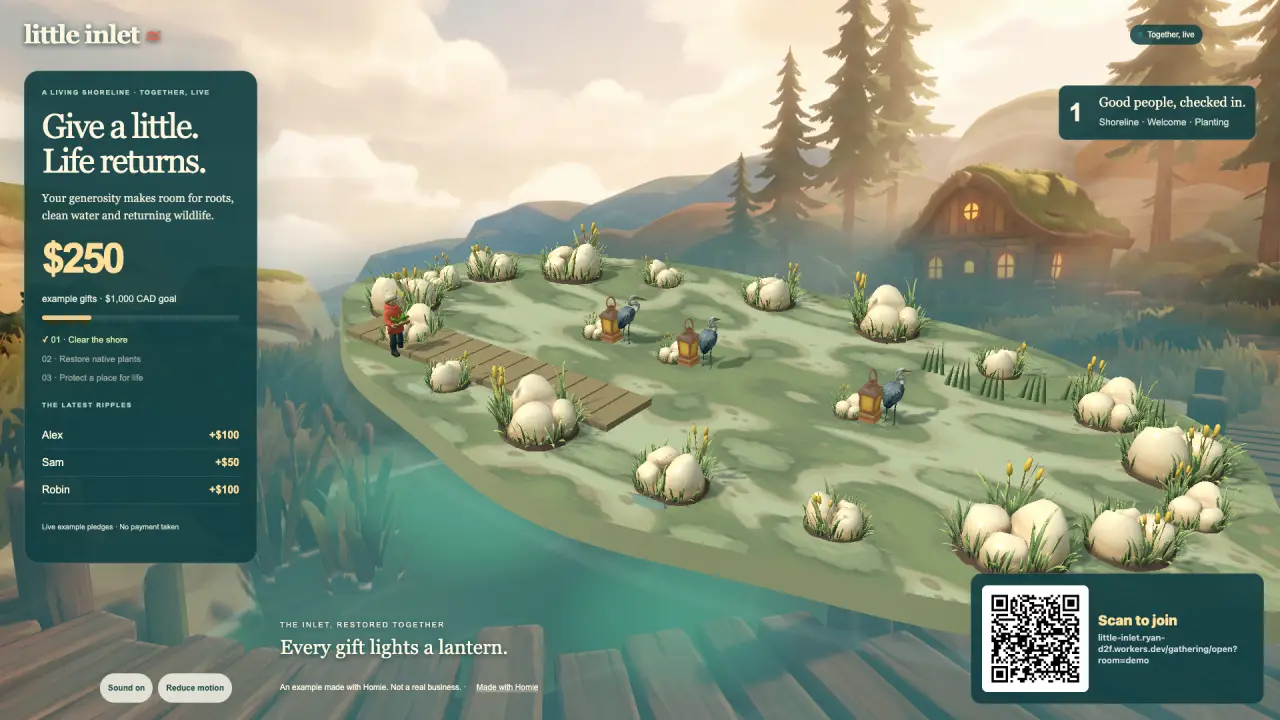
The shoreline comes to life as pledges arrive.
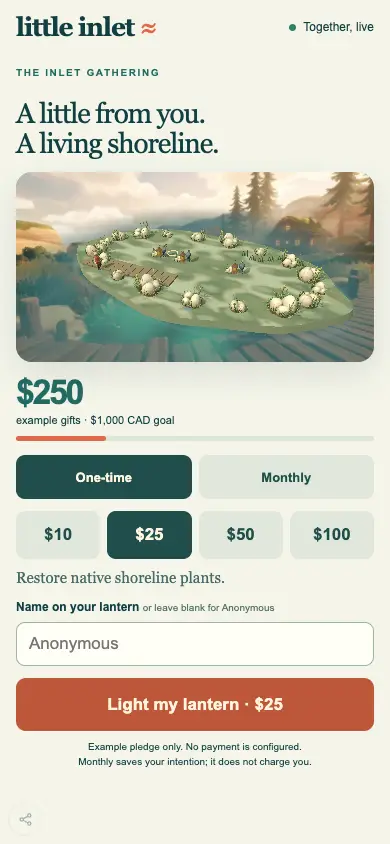
Supporters send an example pledge and explore the shore.
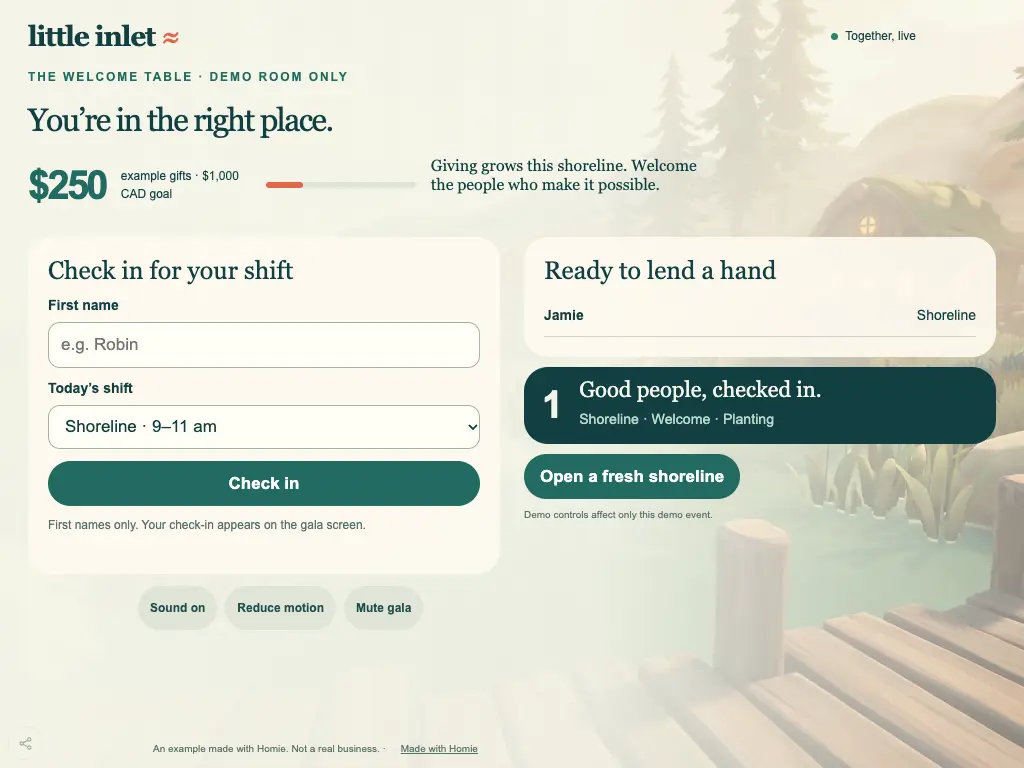
Volunteers check in and help run the gathering.
Little Inlet · Fictional example
Your AI asks about your work and style, picks the pieces that help, then builds and tests your own creation on both screens.
Three warm expanding rings celebrate a gift in your Three.js world, respecting reduced motion.
Amount presets and one-time/monthly pledge choices, with editable wording and accessible native controls.
An accessible giving total and goal meter driven by your own authorized records.
Make me a pantry board and volunteer check-in for our food bank, starting from Little Inlet’s parts.
The example’s story and partsFind its parts in the catalogue
Start here
A few steps on your computer. Then make something of your own.
An extension adds Homie’s building tools to your AI app so it can make and test your project.
In the Claude desktop app:
Download Homie for Claude DesktopOpen the file, choose Install, keep the Studios folder, then choose New chat.
Claude shows an unsigned-extension notice. When it asks to use a Homie tool, choose Always allow to keep the build moving.
Paste into your AI’s chat. Add your own idea.
Your AI builds a preview. You approve before it goes online.
Claude Desktop, ChatGPT / Codex or Grok Bot: pick a plan that includes the app you want to use.
You could build
Phones, wall screens and staff tablets share one live view. Your AI shapes it around the way your team works.
A shared view of collections, shifts and jobs to do, built around the way you help. See it at Little Inlet
A live total that climbs as pledges come in from every phone in the room. See it at Little Inlet
One link and they are in: the programme, the pledge, the game. See it at Little Inlet
A game made about your cause, with the whole room playing. See it at Little Inlet
A tablet where volunteers check in and find a job to help with. See it at Little Inlet
The shore you are restoring, drawn as a living picture your supporters can explore. See it at Little Inlet
Supporters’ names on the screen in your hall. See it at Little Inlet
An AI for the questions your phone line gets every day.
A short film of the work and a song for the campaign, made by AI skills.
A donation link on your gala screen, ready for supporters to open on their phones.
Your AI builds yours on Homie’s core, shaped around the people who use it.
Costs and earning
Help
One line to your AI starts it, and each new idea is one more sentence.