Driftwood & Cedar Spa
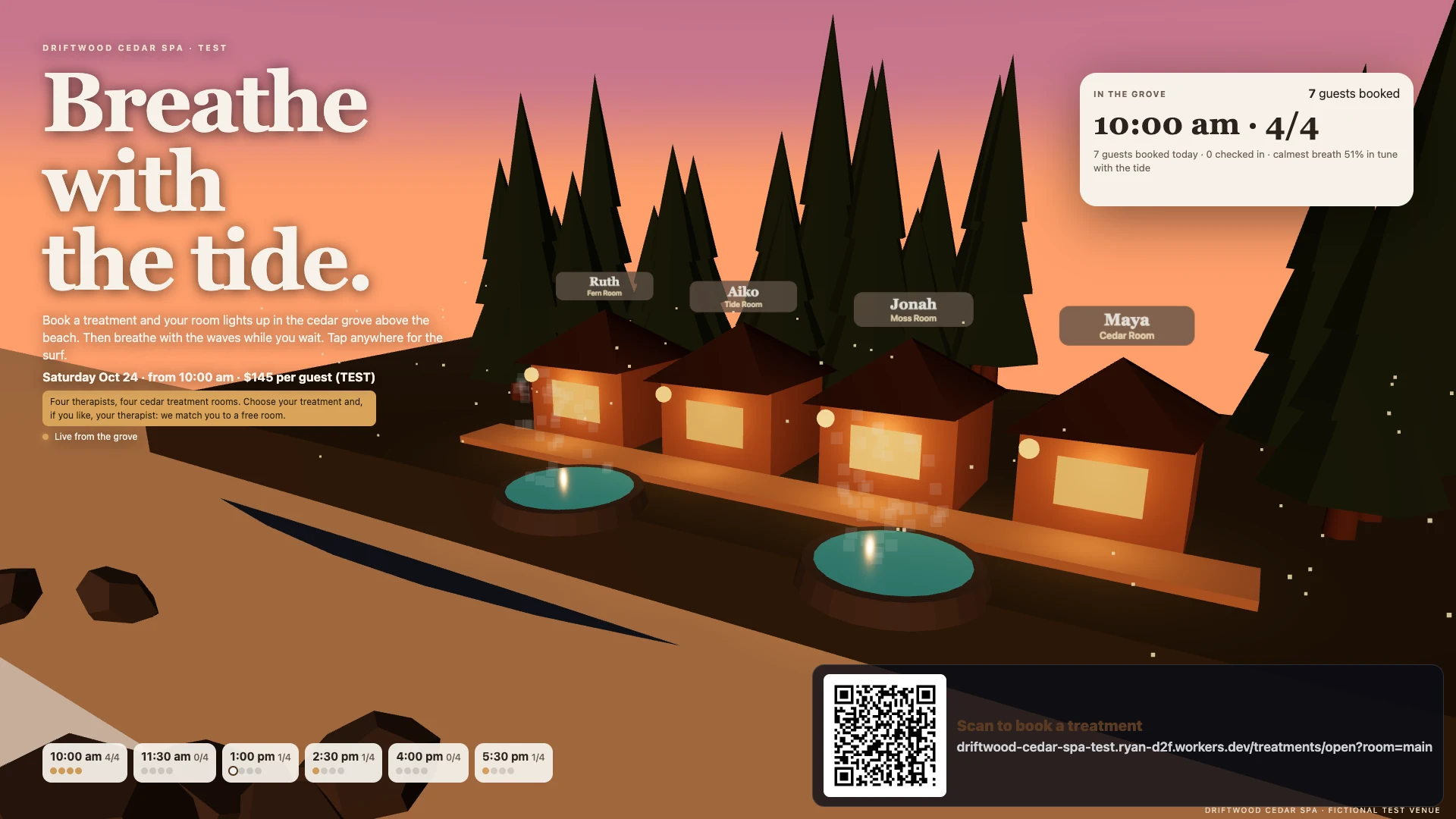
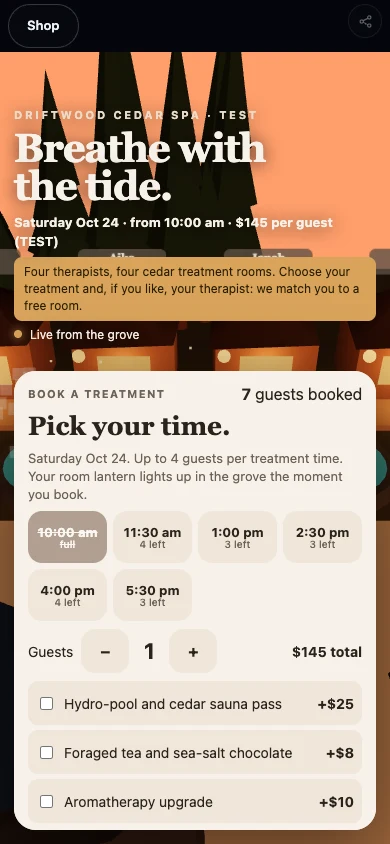
A Tofino spa. A guest’s AI books a favourite therapist in one call; each booking lights a cabin lantern.
Make your own · A business Beta
Your AI builds and runs your business. Your customers’ AIs book and buy through it.
Community examples
A Tofino spa. A guest’s AI books a favourite therapist in one call; each booking lights a cabin lantern.
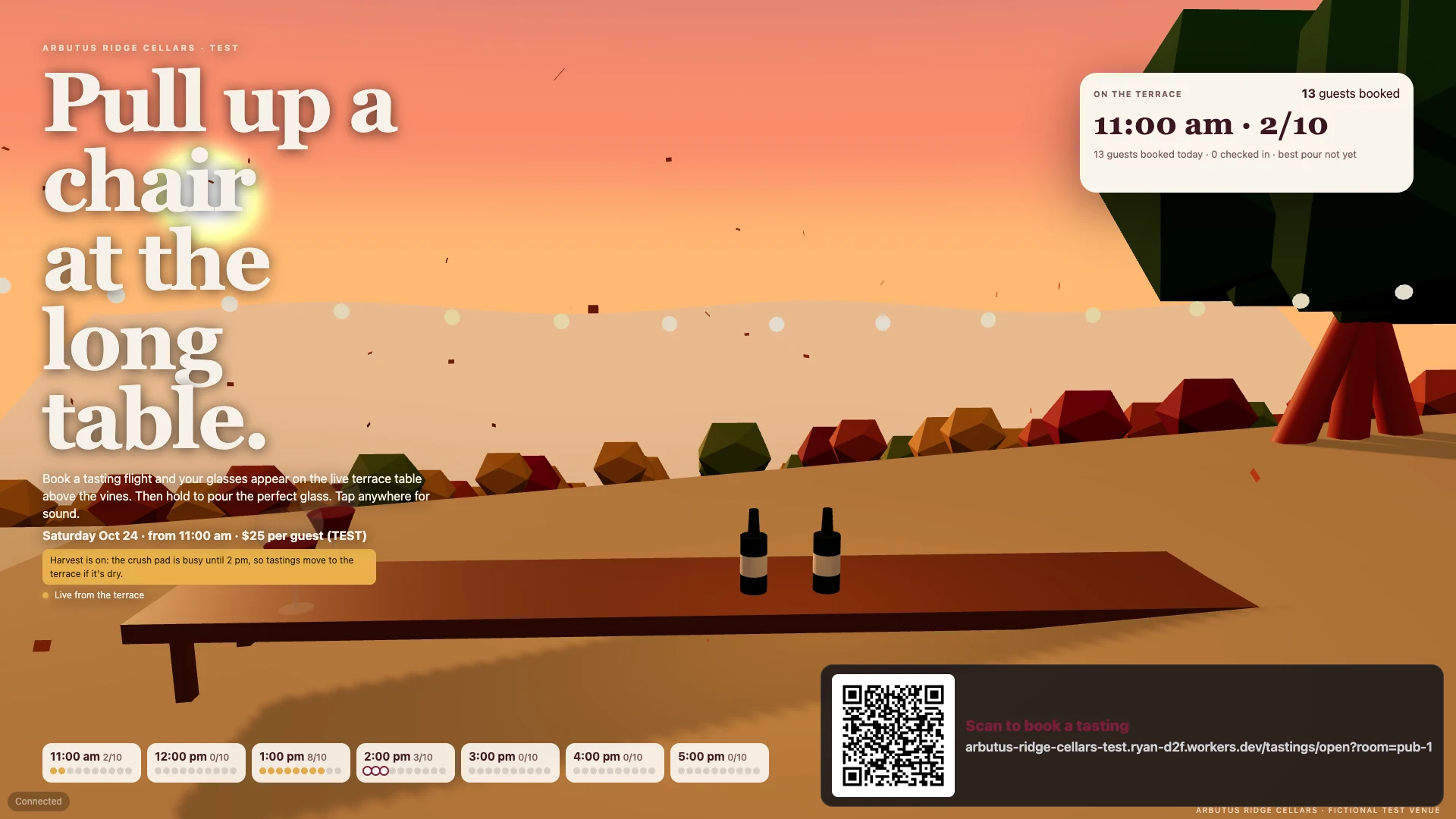
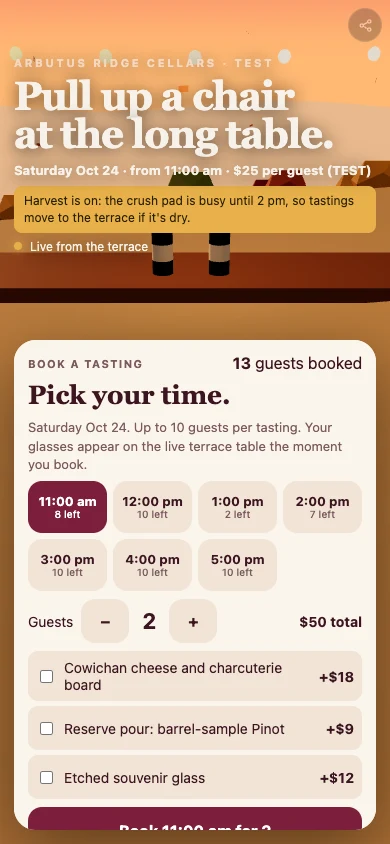
A winery terrace where each booked guest gets a glass on the long table.
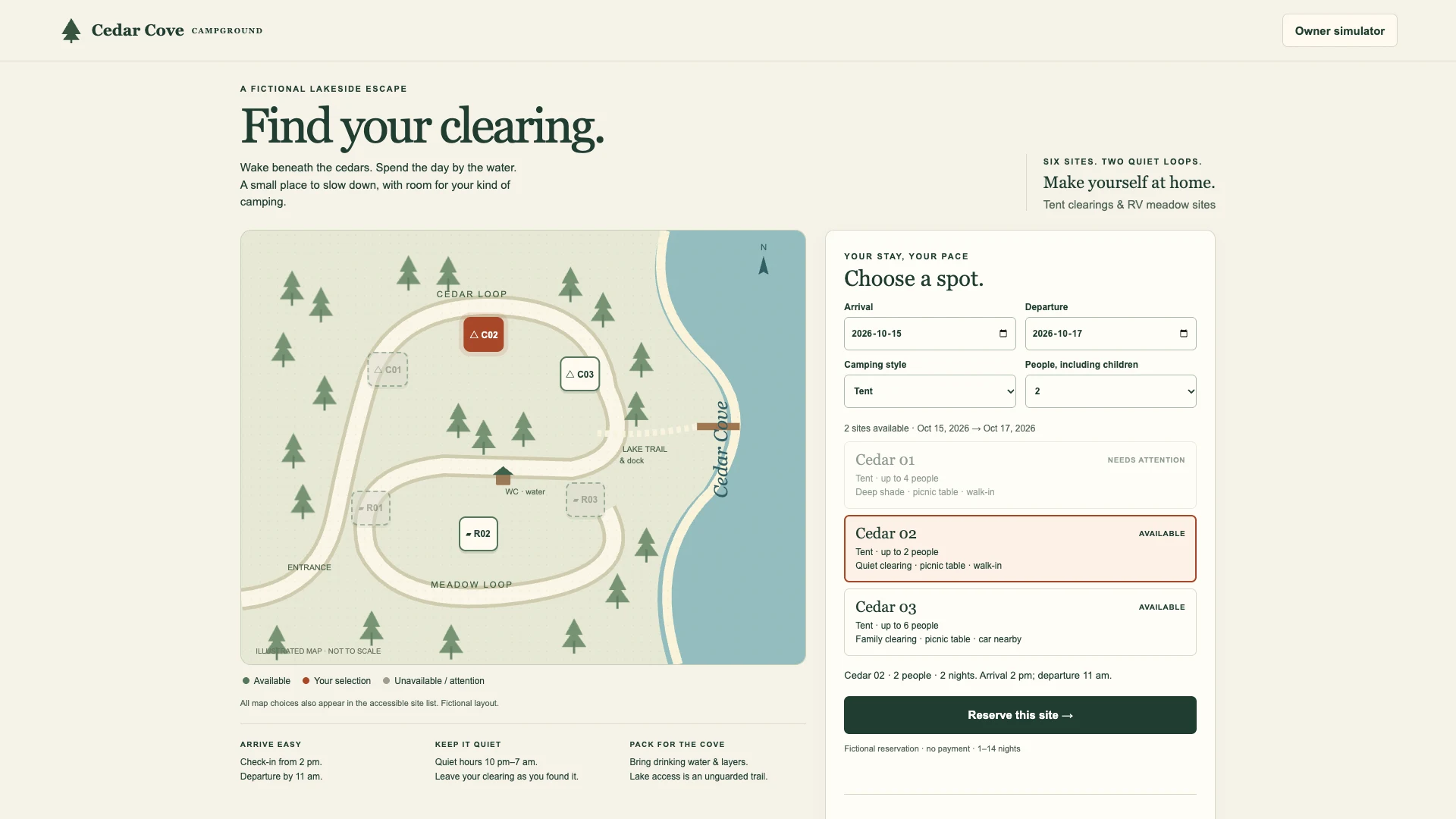
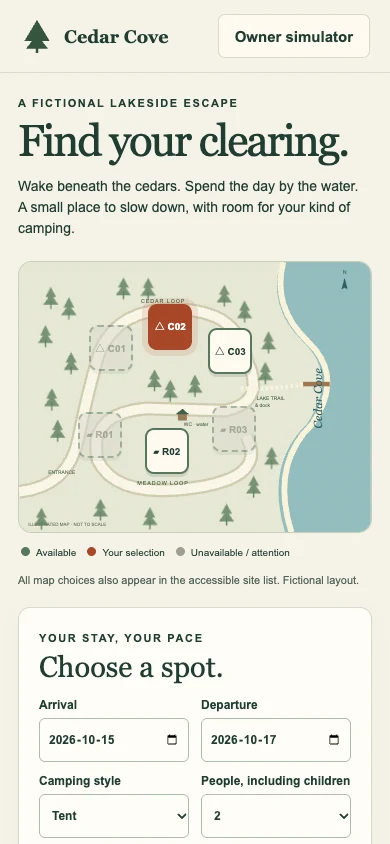
Tent and RV bookings with check-in. Try running the campground yourself.
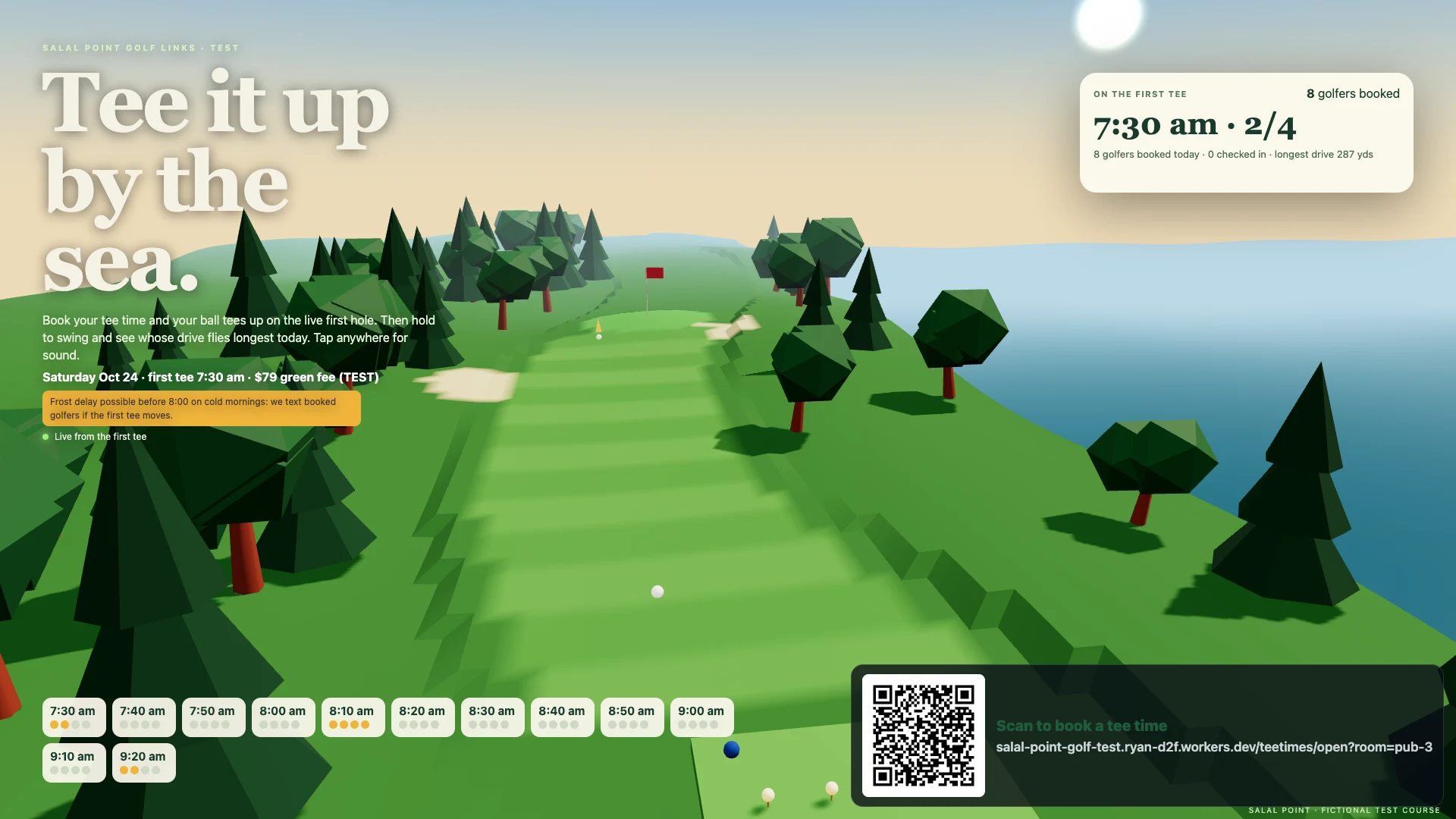
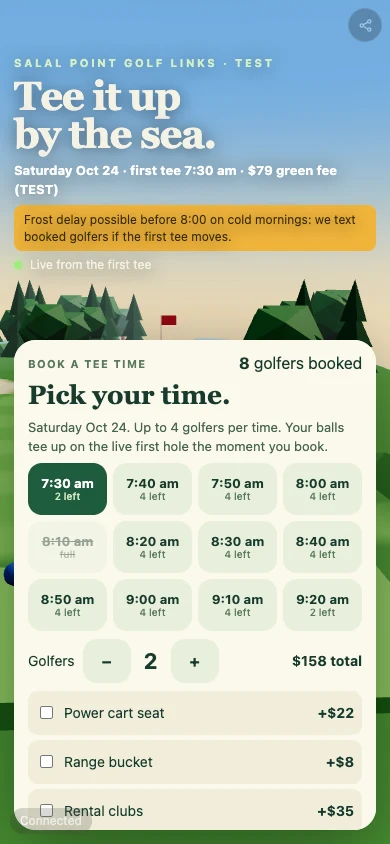
A seaside golf club: tee times, a live 3D first hole and a longest-drive game.
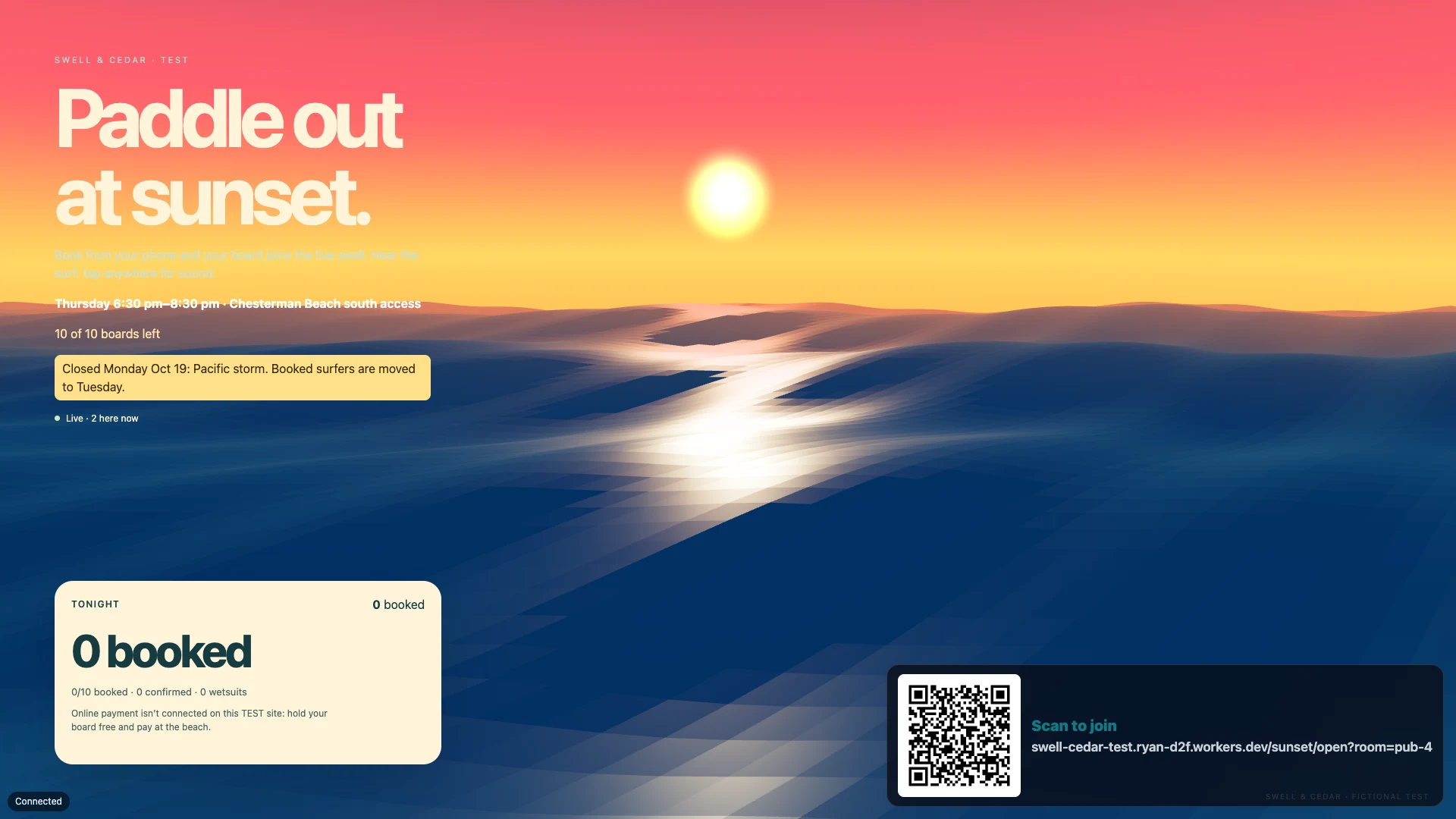
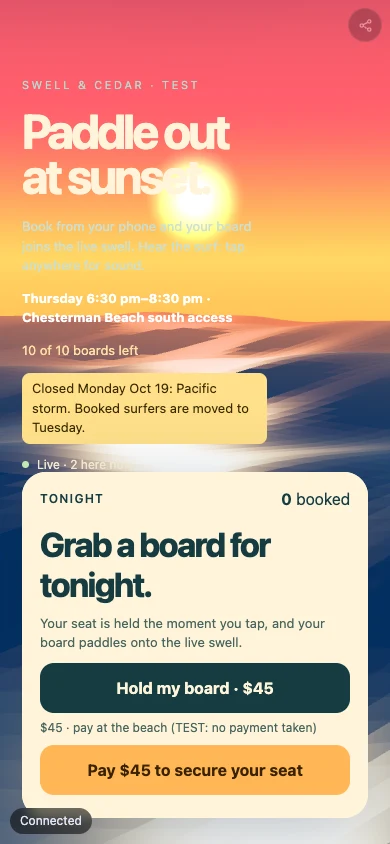
Sunset surf sessions with capped seats, booked by a customer’s AI in one call.
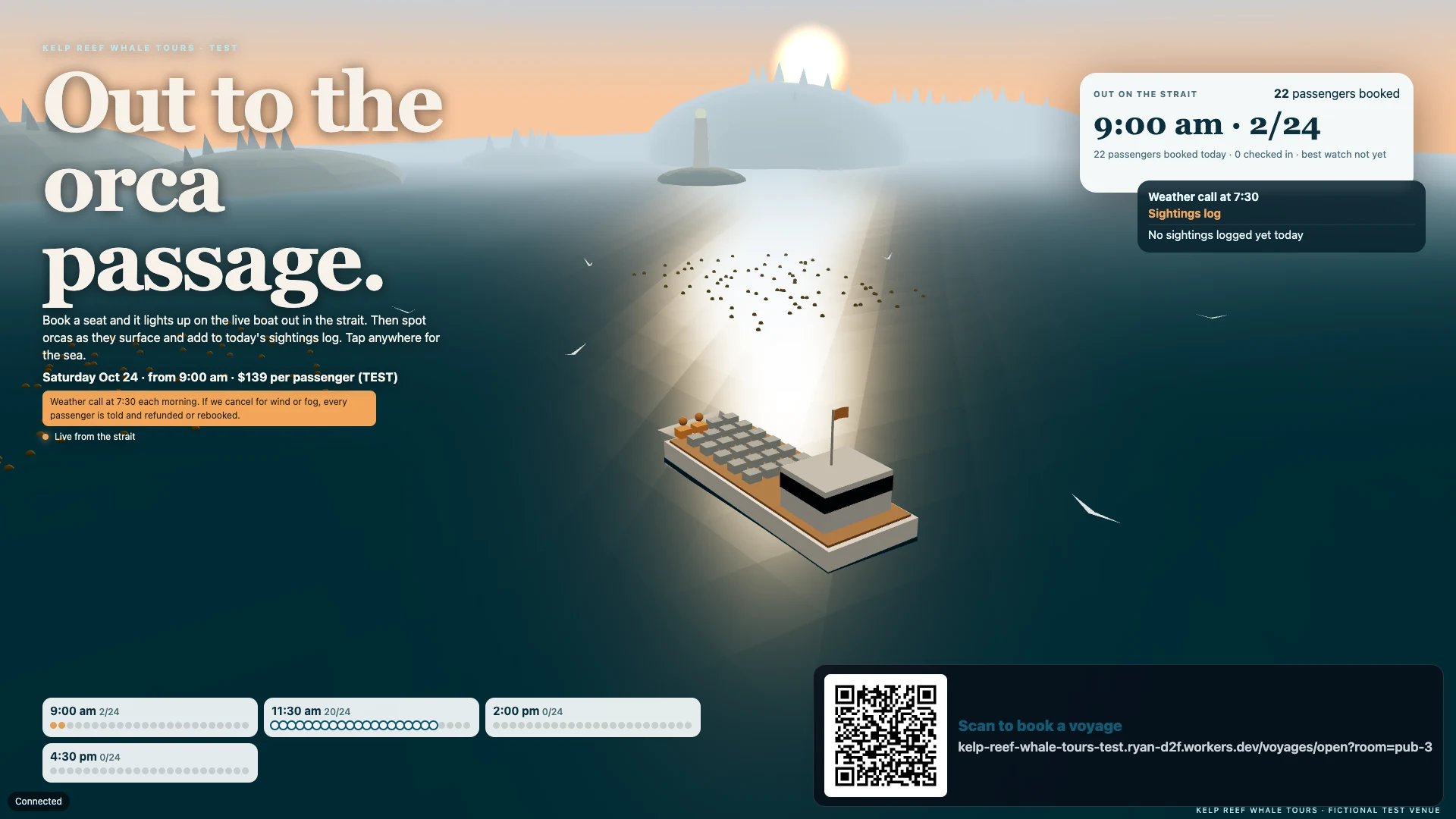
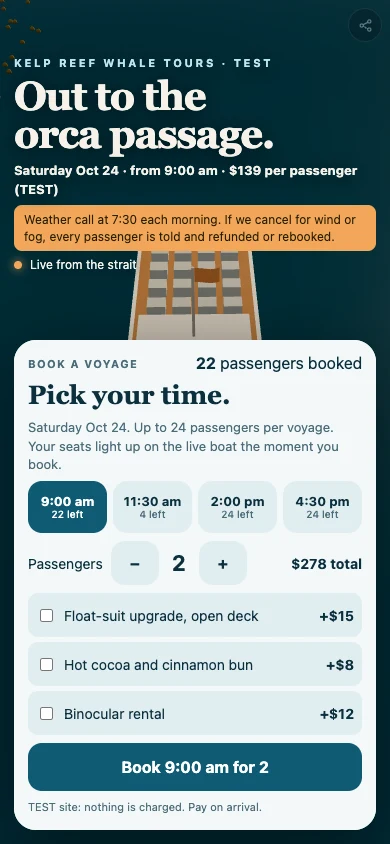
Whale-watching voyages: booked seats light up on the boat as orcas surface.
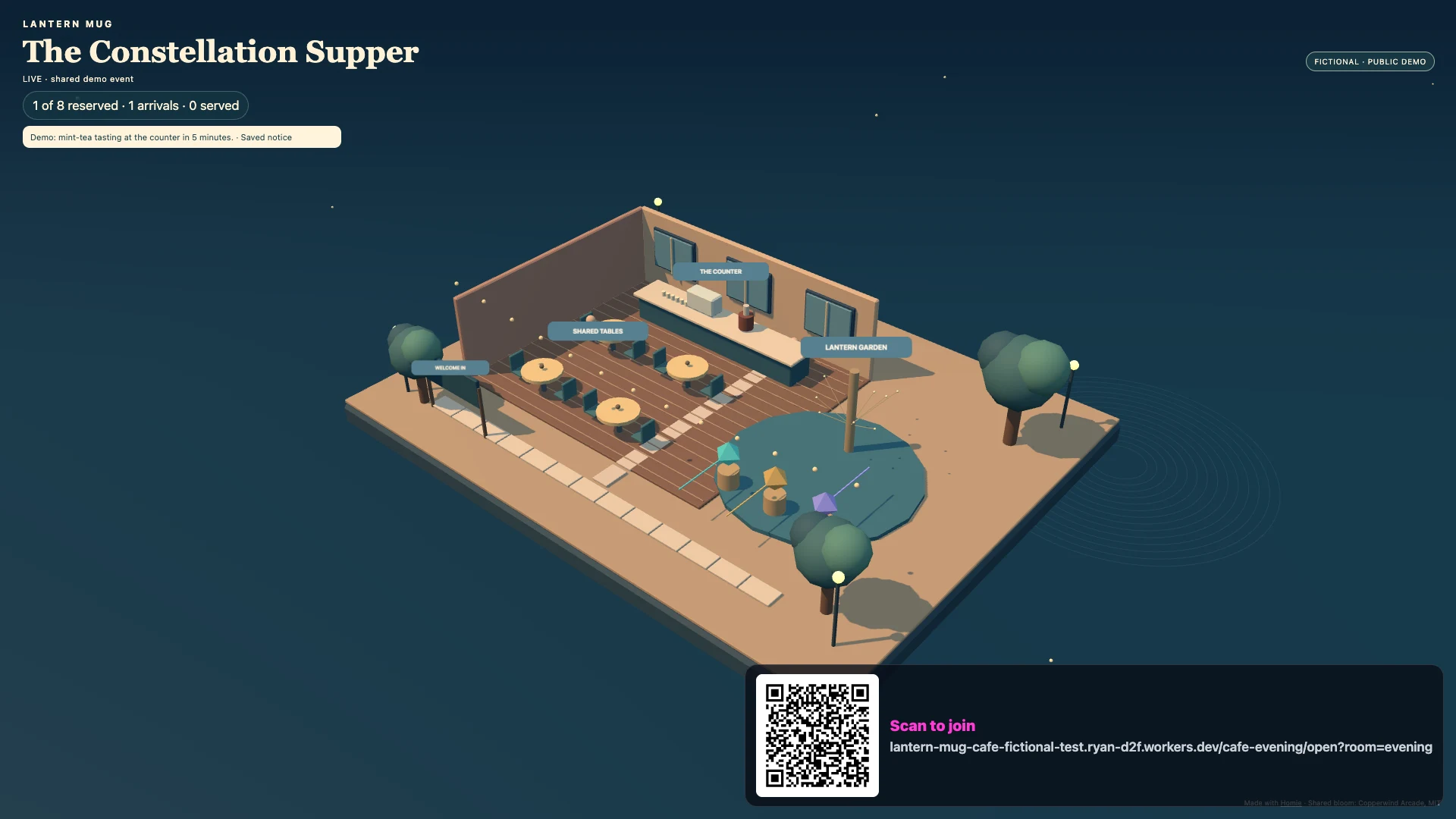
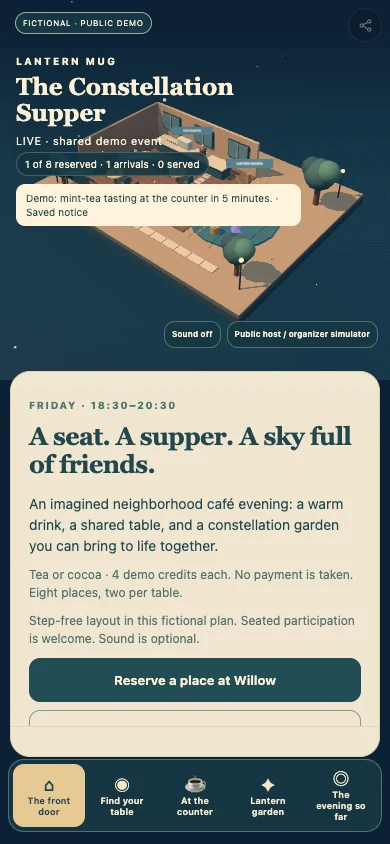
A café evening where reservations and tea service light a shared constellation.
A fictional example, built with Homie · Made by Homie
Bikes, parts and workshop services, ready to choose on a customer’s phone. A miniature workshop on the wall shows each repair moving from station to station. Your team runs the shop from a tablet.
Switchback Cycle Works
Open the wall screen on a TV or laptop, then scan the code with your phone.
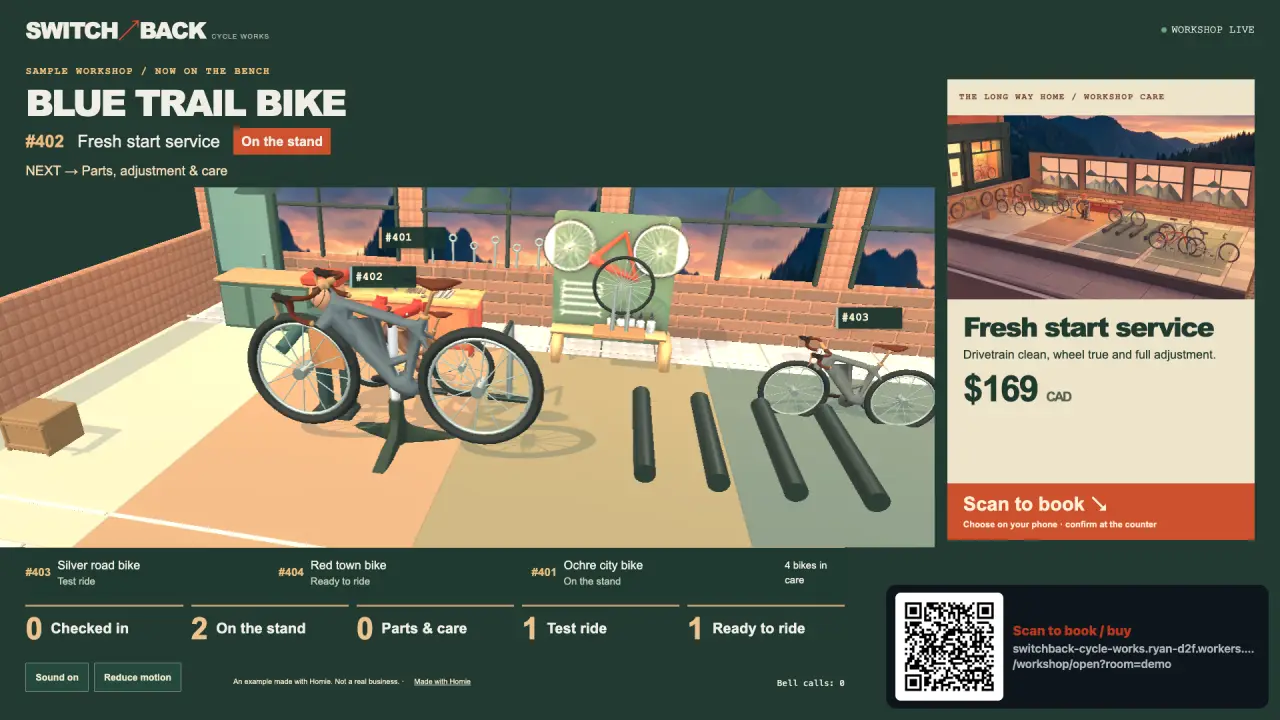
Bikes move between repair stations beside products and services.
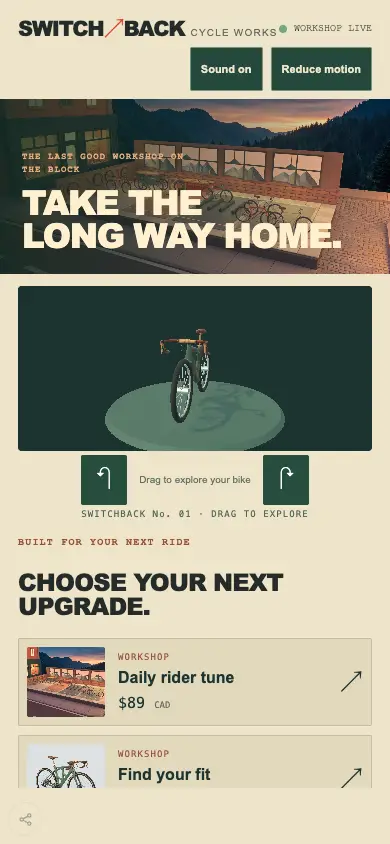
Customers choose bikes, parts and services, and follow their repair.
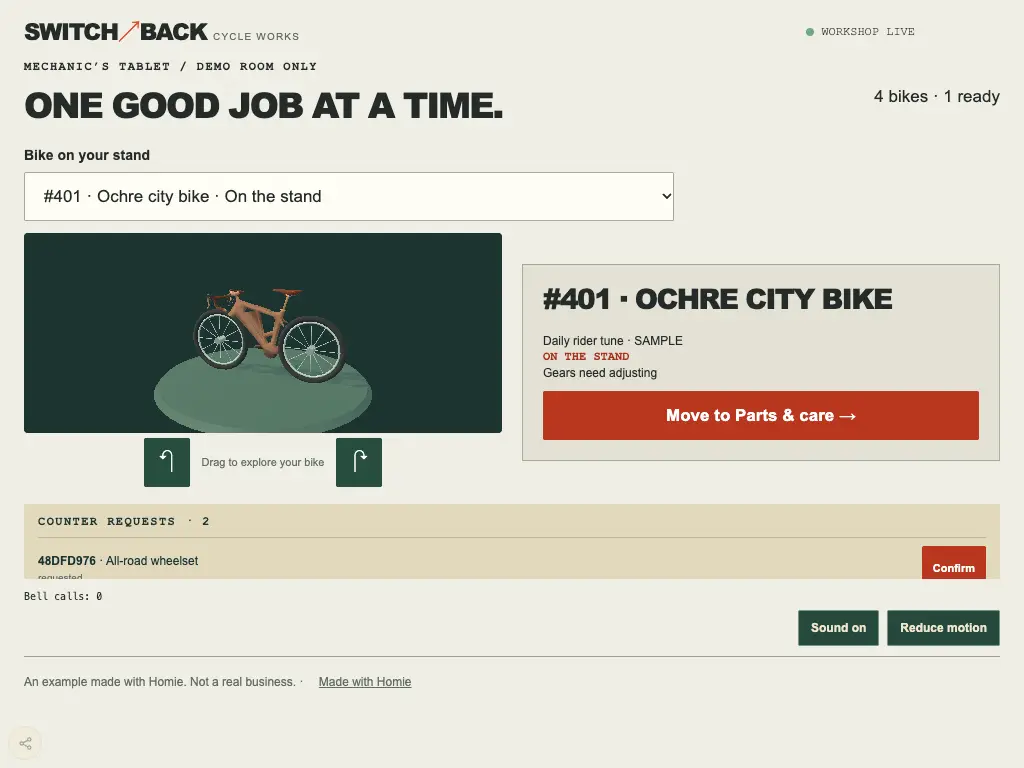
Your team moves repairs to the next station.
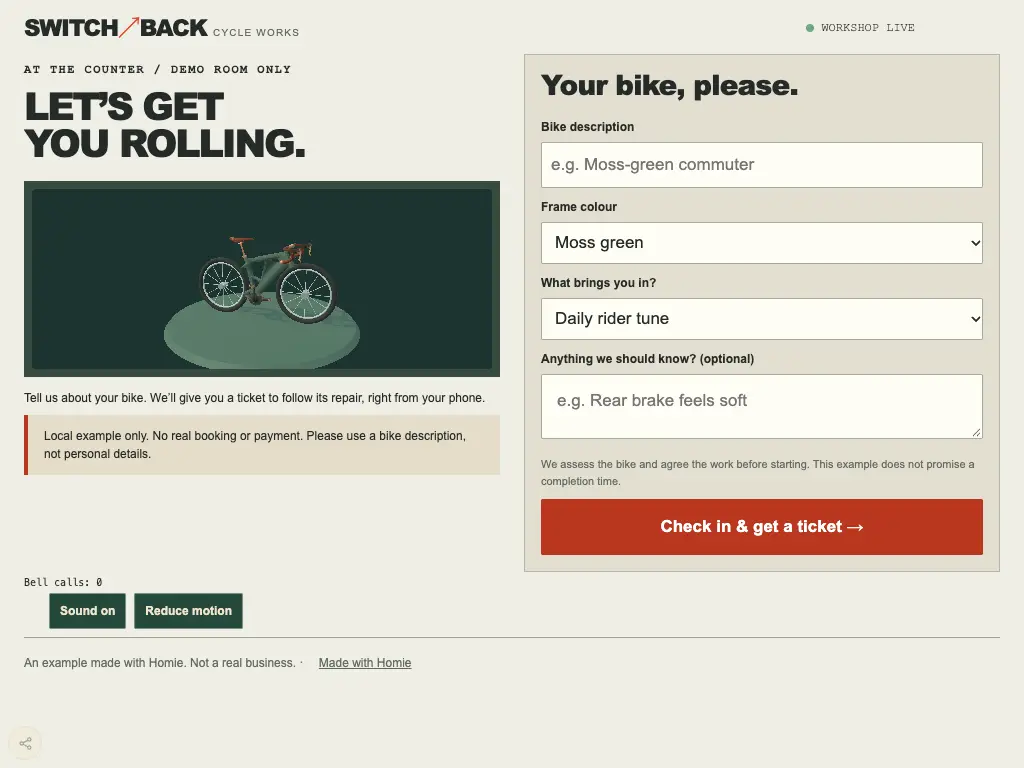
Customers check in at the counter.
Switchback Cycle Works · Fictional example
Your AI asks about your work and style, picks the pieces that help, then builds and tests your own creation on both screens.
Generated parts wall model from Switchback’s workshop, with embedded textures and provenance.
Drag-to-rotate product controls extracted from the Switchback 3D bike viewer, with configurable sensitivity and cleanup.
Generated repair stand model from Switchback’s workshop, with embedded textures and provenance.
A compact service and product menu with prices, availability and selection hooks, ready for your own catalogue and branding.
Generated shopfront model from Switchback’s workshop, with embedded textures and provenance.
Generated switchback bike model from Switchback’s workshop, with embedded textures and provenance.
Generated workbench model from Switchback’s workshop, with embedded textures and provenance.
A live workshop display with job stages, station counts and a rotating featured offer, styled by the receiving venue.
Make me a repair board and phone bookings for my ski shop, starting from Switchback’s parts.
The example’s story and partsFind its parts in the catalogue
Start here
A few steps on your computer. Then make something of your own.
An extension adds Homie’s building tools to your AI app so it can make and test your project.
In the Claude desktop app:
Download Homie for Claude DesktopOpen the file, choose Install, keep the Studios folder, then choose New chat.
Claude shows an unsigned-extension notice. When it asks to use a Homie tool, choose Always allow to keep the build moving.
Paste into your AI’s chat. Add your own idea.
Your AI builds a preview. You approve before it goes online.
Claude Desktop, ChatGPT / Codex or Grok Bot: pick a plan that includes the app you want to use.
Behind the scenes · HARBOUR FREIGHT
A fictional logistics depot built with Homie as an app. Dispatchers assign bays; drivers follow their tickets. Back-office operations software, drawn as a miniature yard.
HARBOUR FREIGHT
Open the wall screen on a TV or laptop, then scan the code with your phone.
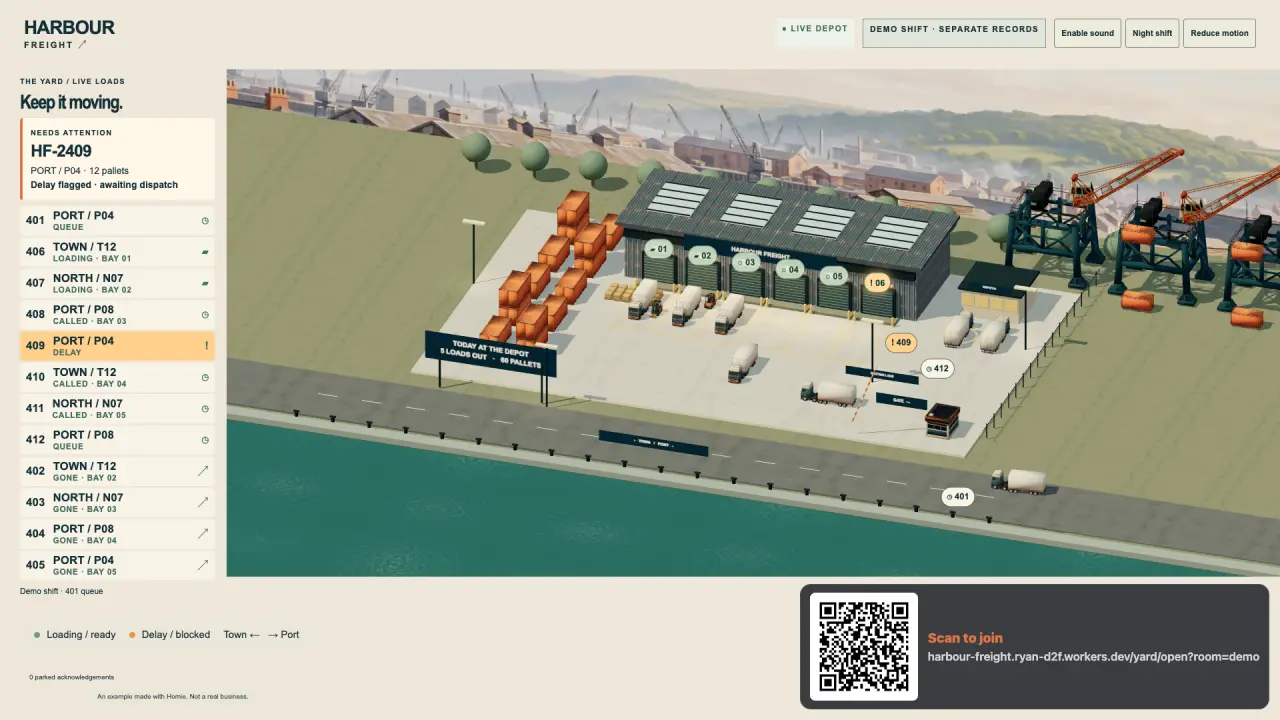
Watch arrivals and loading bays across the yard.
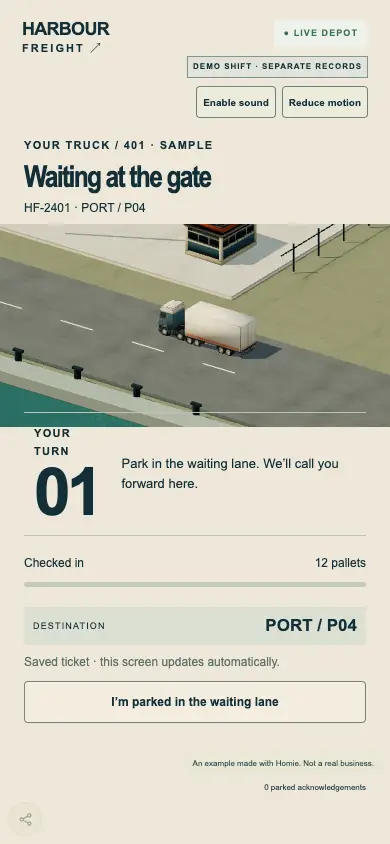
Drivers follow their ticket from arrival to departure.
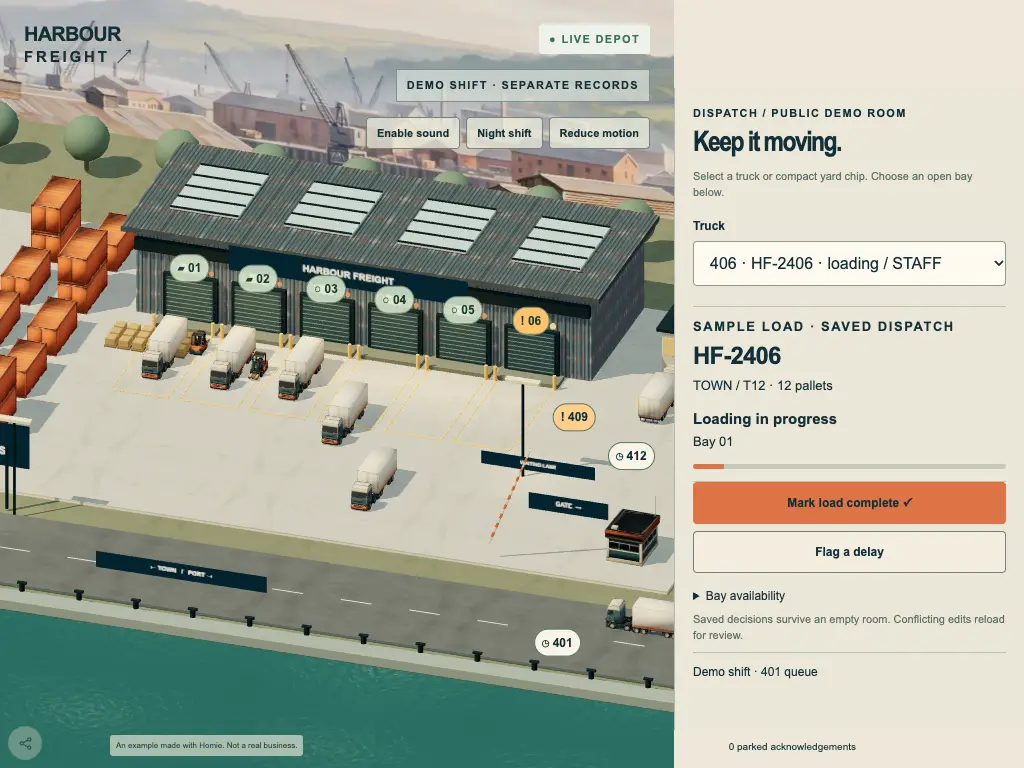
Dispatchers assign bays and move each load along.
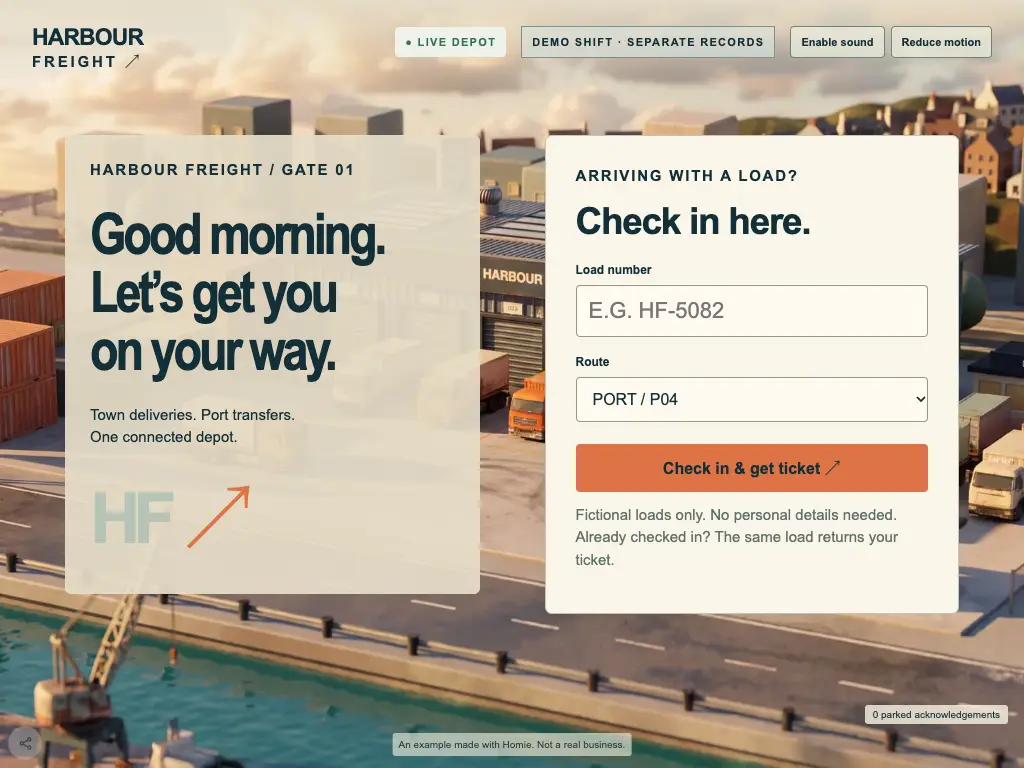
Drivers check in at the gate kiosk.
HARBOUR FREIGHT · Fictional example
Your AI asks about your work and style, picks the pieces that help, then builds and tests your own creation on both screens.
Compact bay labels with loading, ready, blocked and available states.
A stackable corrugated shipping container for depots and ports.
A matching curtain-side freight trailer for loading scenes.
A phone-sized textured freight tractor, grounded in metres.
An accessible, selectable list of live deliveries with delay and loading states.
A painted harbour panorama in two display sizes.
A textured quayside crane for a working port skyline.
A compact forklift for loading-dock animation.
Make me a dispatch screen and driver tickets for my depot, starting from Harbour Freight’s parts.
The example’s story and partsFind its parts in the catalogue
Another business, another world
You could build
Phones, wall screens and staff tablets share one live view. Your AI shapes it around the way your team works.
Films, jingles and art in your style.
A live view of their repair, opened from a link or a code. See it at Switchback Cycle Works
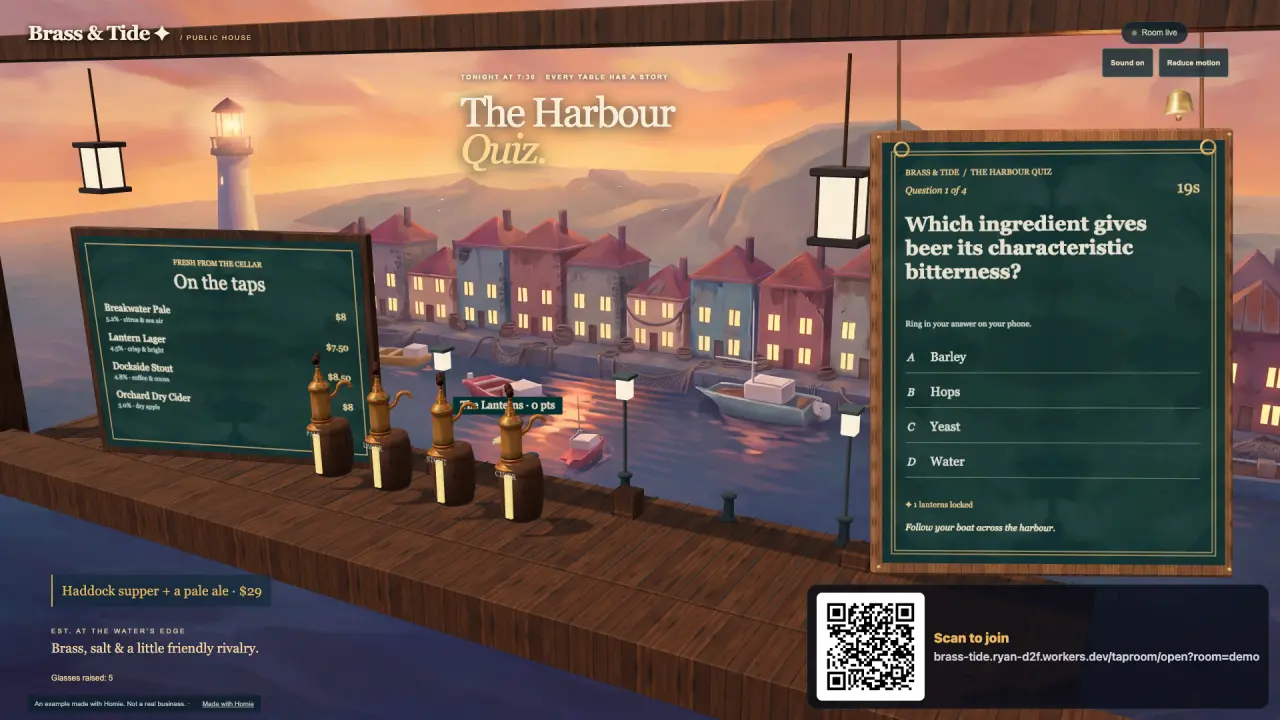
A menu board, a class timetable, a tap list: live, in your look, changed by saying so. See it at Brass & Tide
A kiosk where customers check in, browse or sign up. See it at Switchback Cycle Works
Names go on at the door, the wall shows who is next, and a customer’s phone says when.
Customers tap what they want on their phone and it lands on the screen in the back.
The day’s jobs on a tablet, ticking over as they are done. See it at Switchback Cycle Works
The day’s repairs drawn as a miniature workshop, with a bike for each job. See it at Switchback Cycle Works
Regulars collect, level up and come back.
An AI that takes the questions you answer all day.
Turn what you built into an app for a phone or a computer.
Your AI builds yours on Homie’s core, shaped around the people who use it.
Costs and earning
Help
One line to your AI starts it, and each new idea is one more sentence.