Driftwood & Cedar Spa
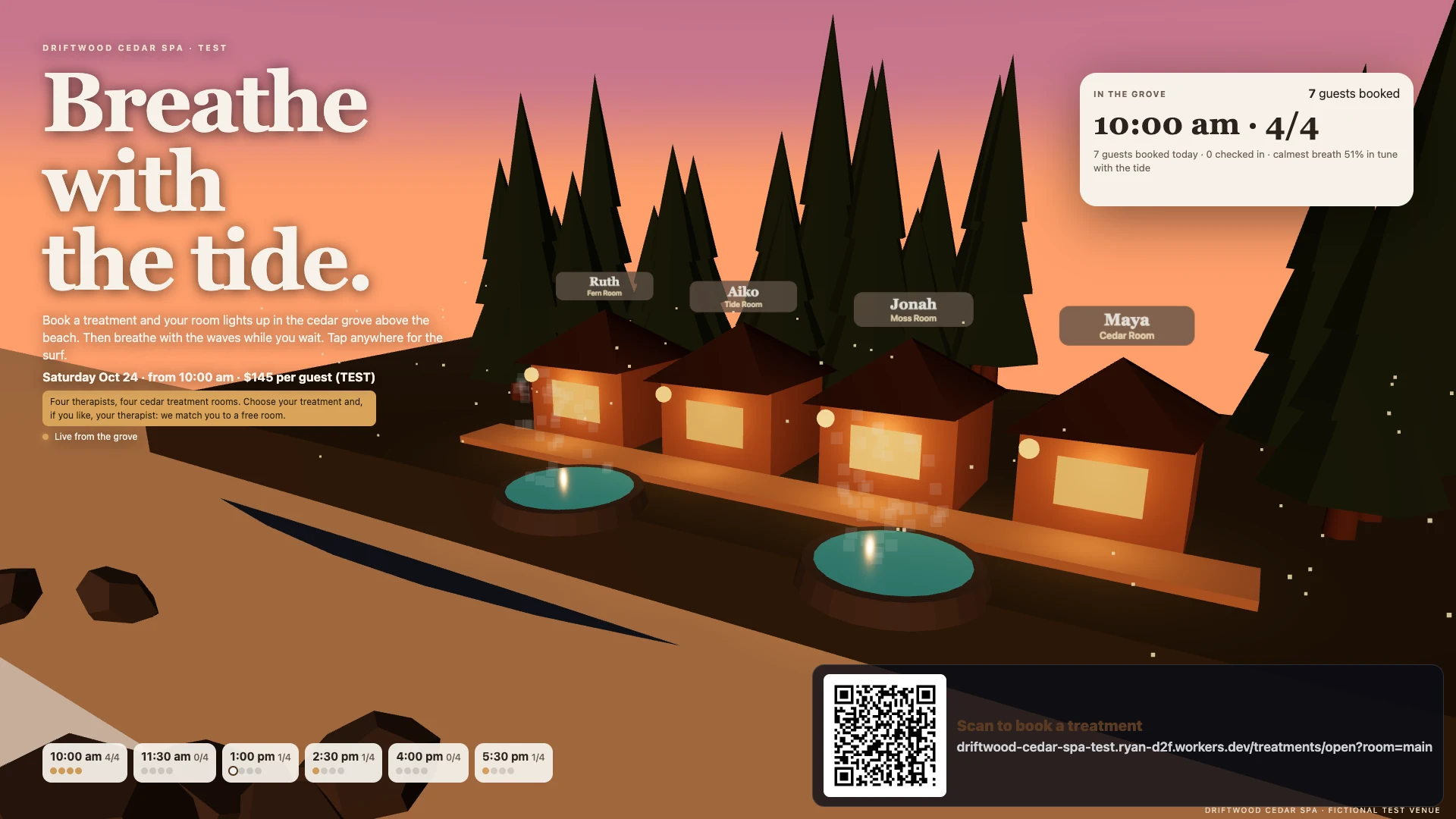
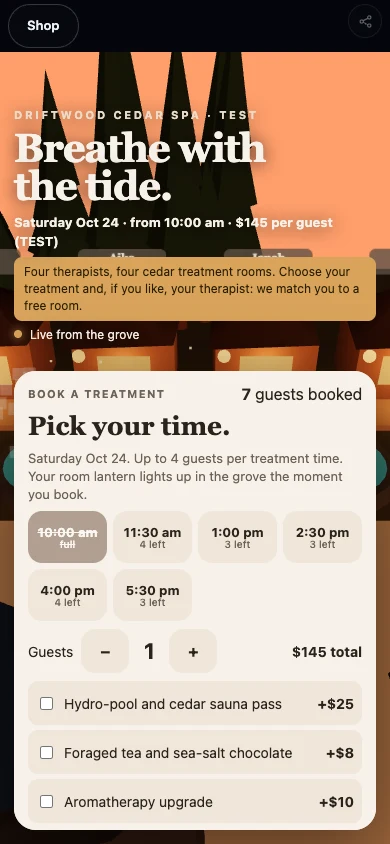
A Tofino spa. A guest’s AI books a favourite therapist in one call; each booking lights a cabin lantern.
Make your own · A business · Venues Beta
Your AI runs the venue. A guest’s AI books, buys extras and asks for things — no app needed.
Community examples
A Tofino spa. A guest’s AI books a favourite therapist in one call; each booking lights a cabin lantern.
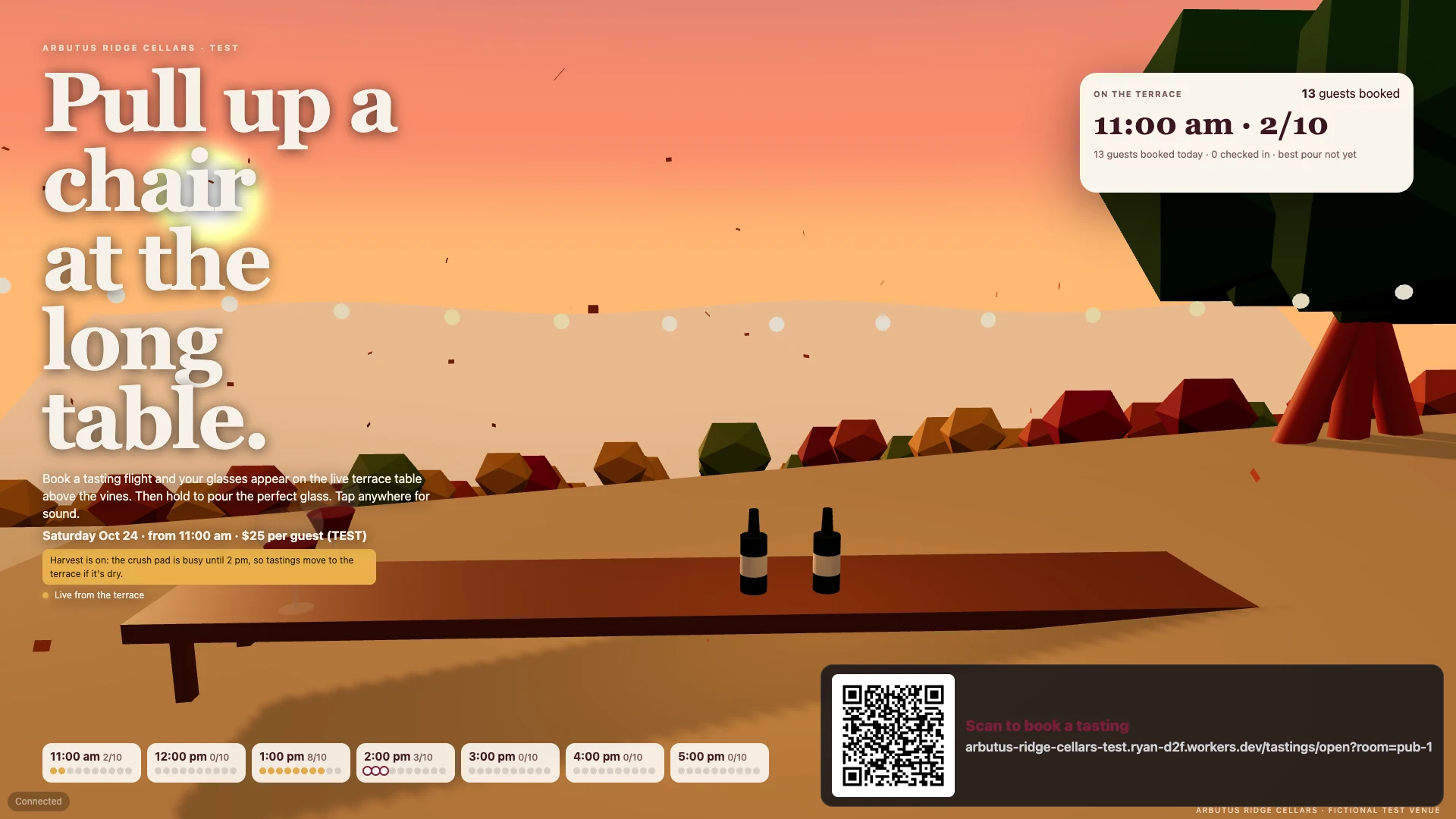
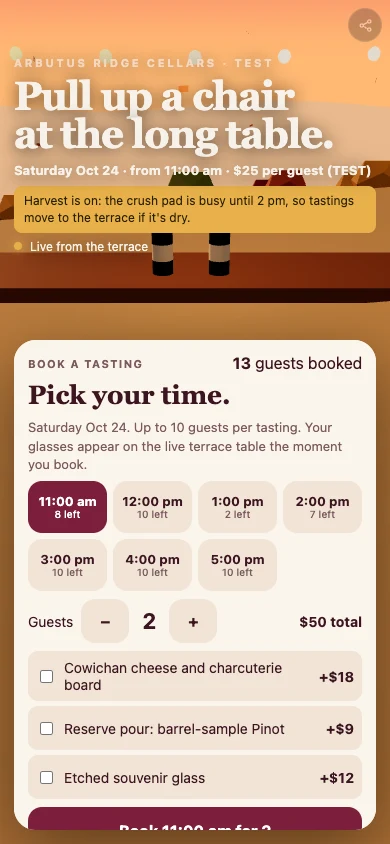
A winery terrace where each booked guest gets a glass on the long table.
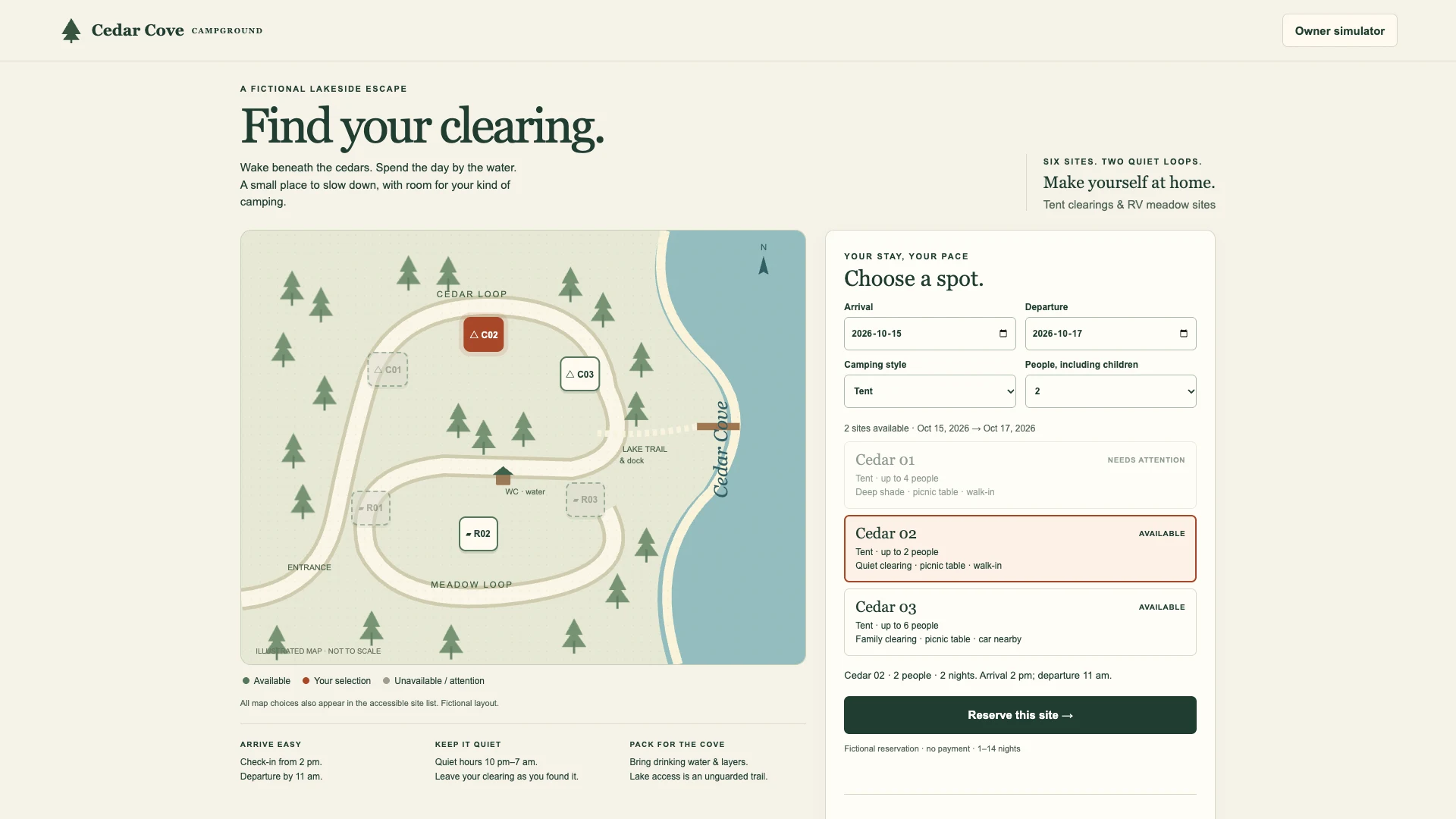
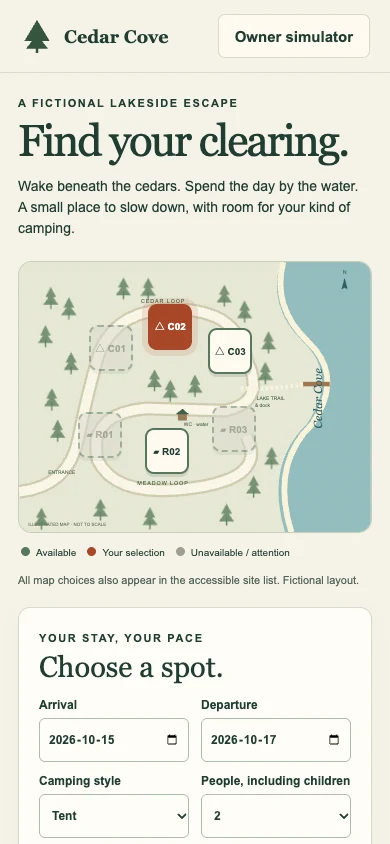
Tent and RV bookings with check-in. Try running the campground yourself.
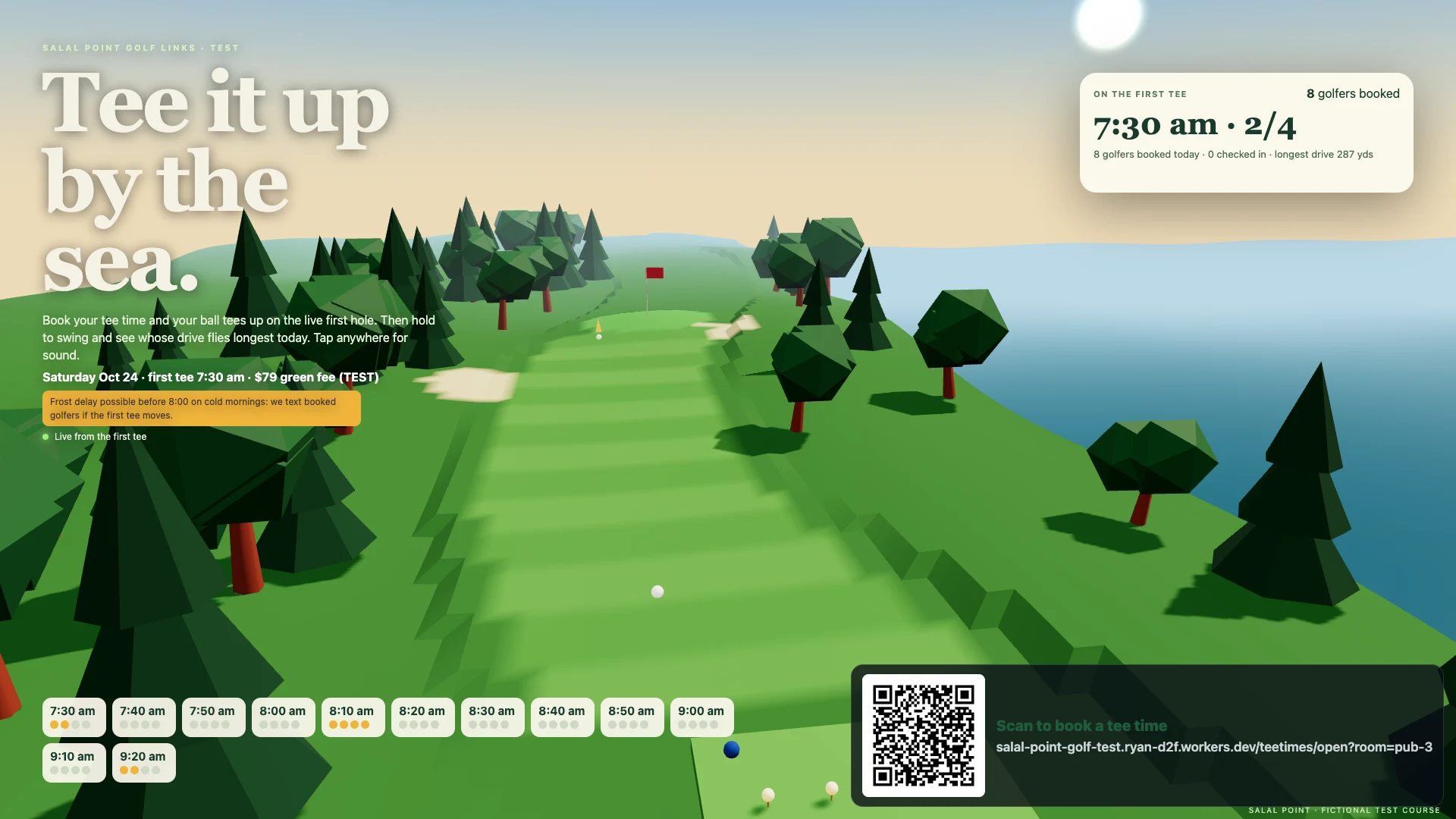
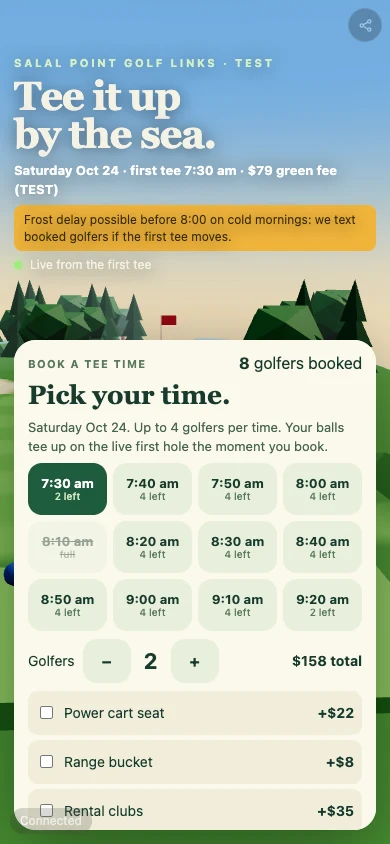
A seaside golf club: tee times, a live 3D first hole and a longest-drive game.
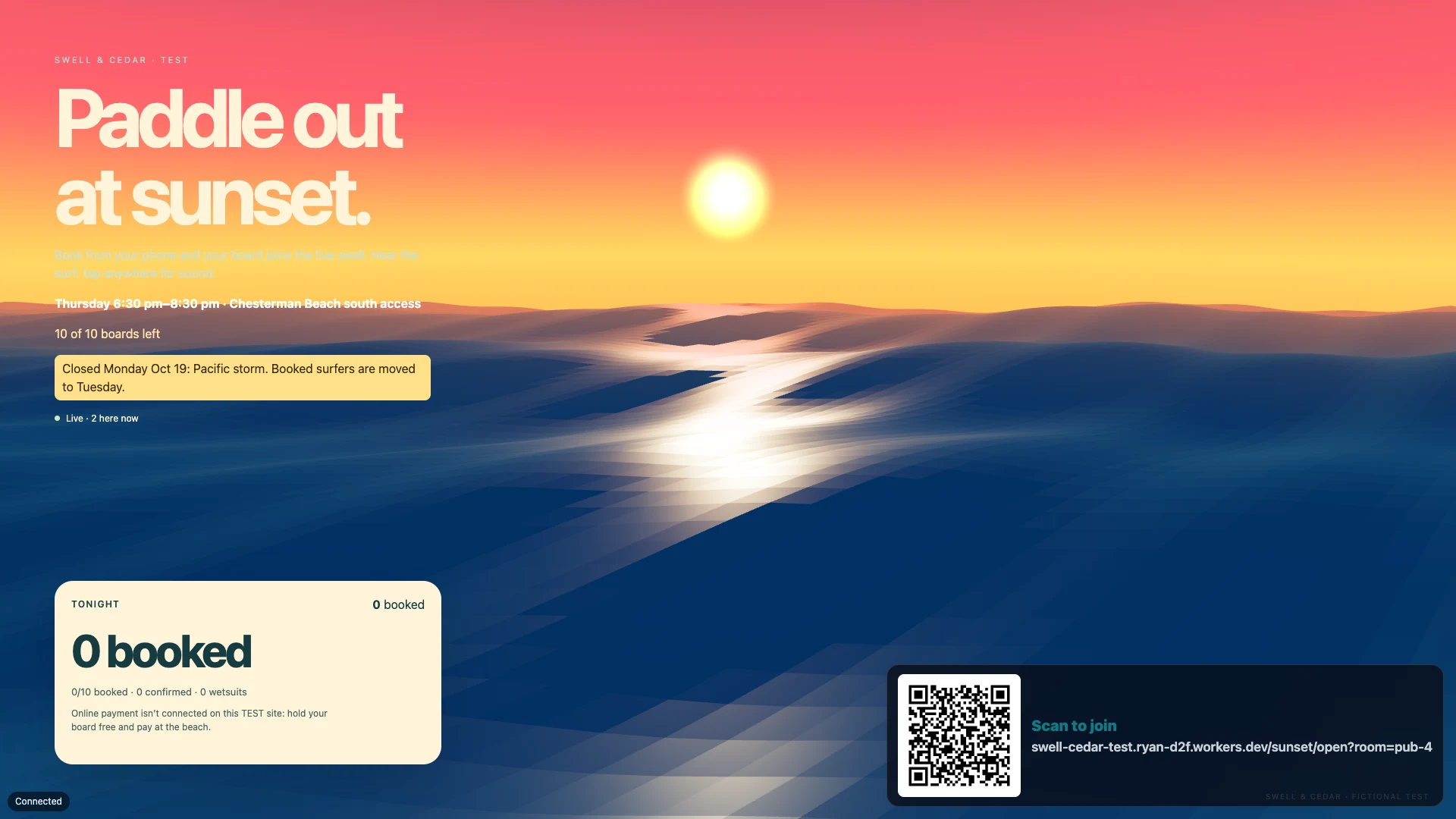
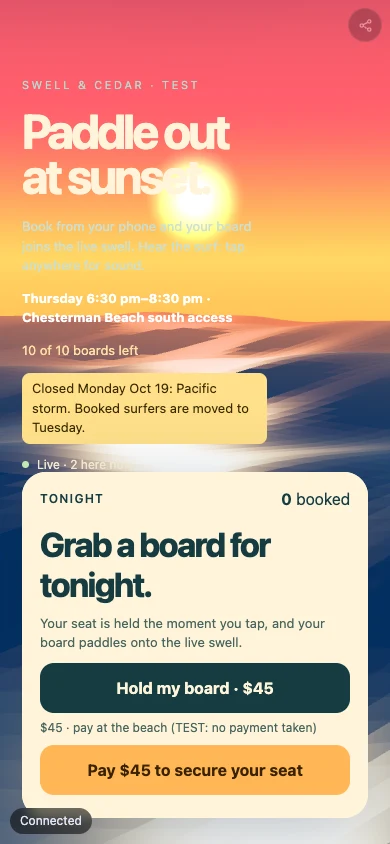
Sunset surf sessions with capped seats, booked by a customer’s AI in one call.
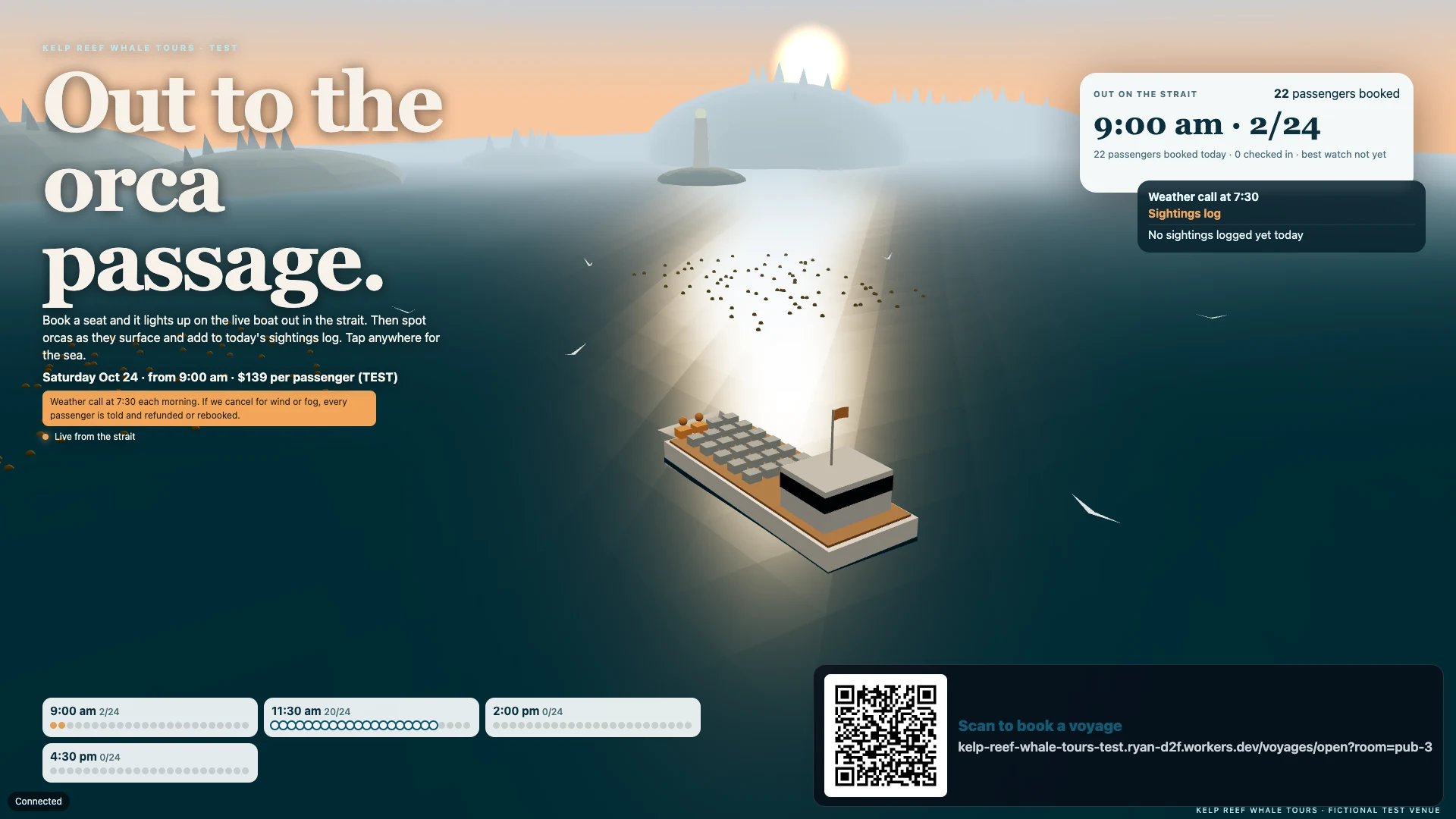
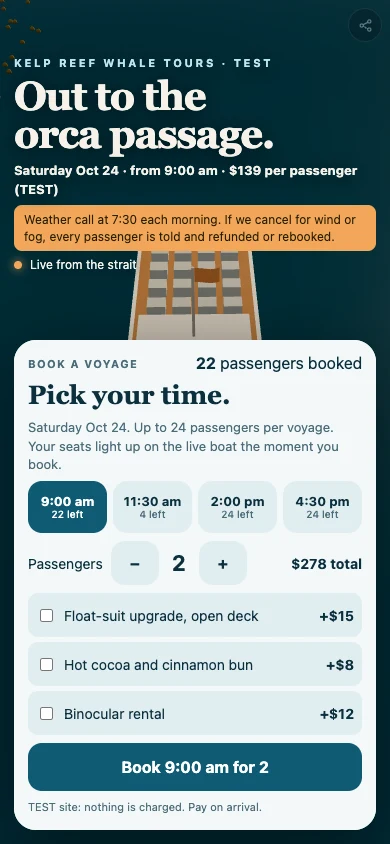
Whale-watching voyages: booked seats light up on the boat as orcas surface.
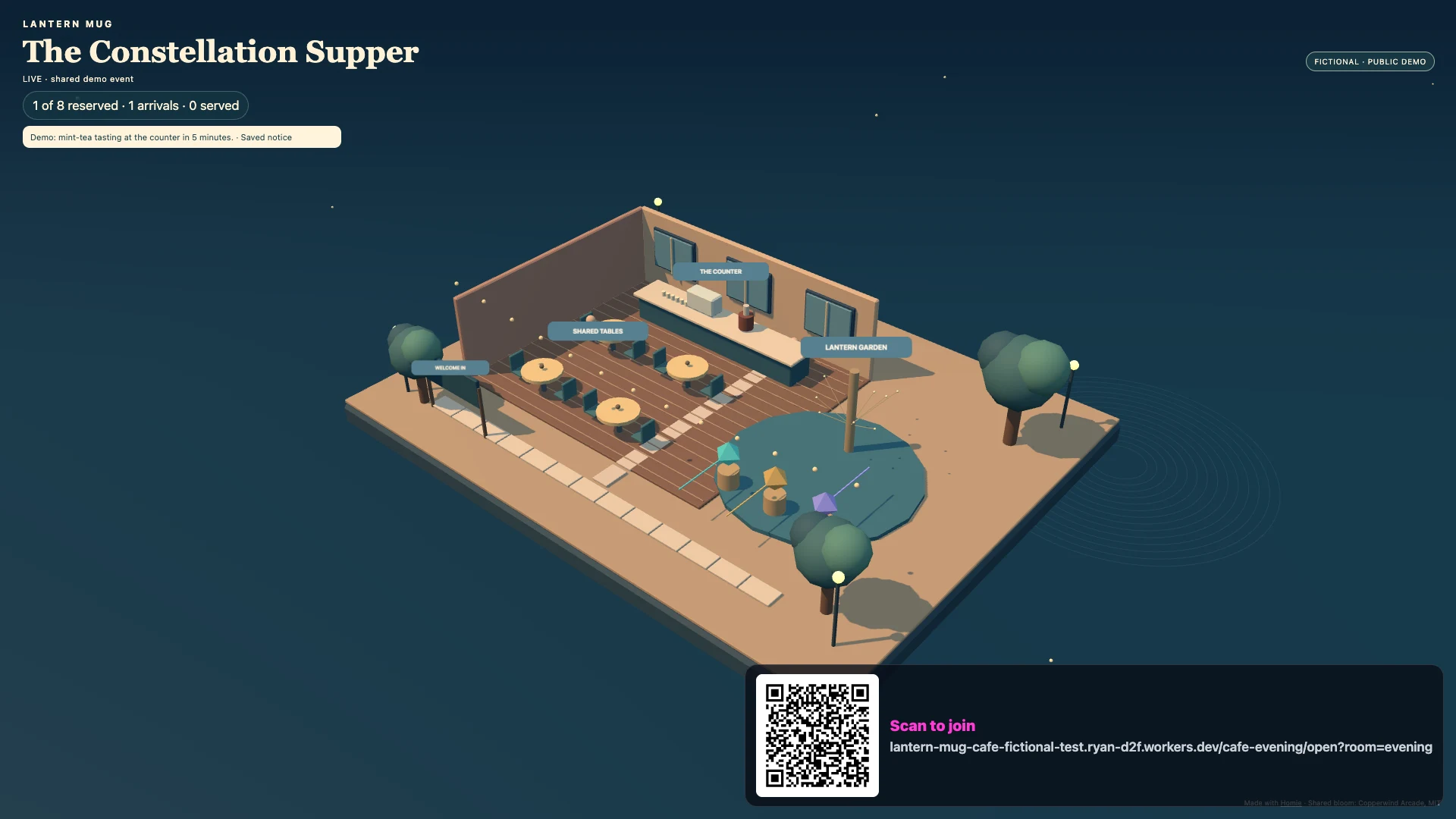
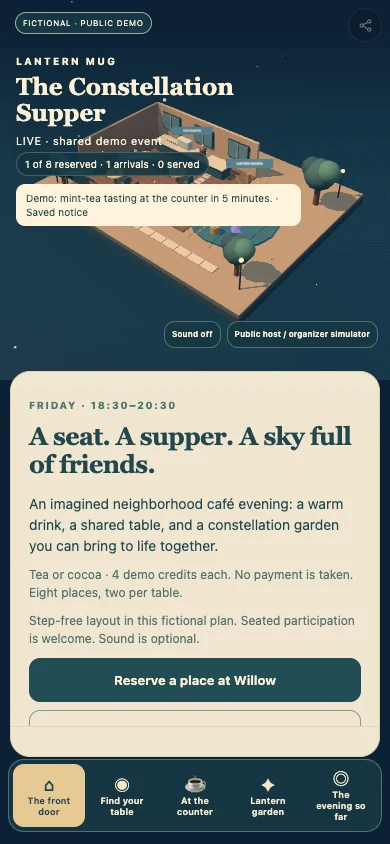
A café evening where reservations and tea service light a shared constellation.
A fictional example, built with Homie · Made by Homie
A harbour at dusk above the bar. Brass tap handles, a chalkboard menu, and a quiz where every team is a boat. Guests play from their phones; your team runs the night from a tablet.
Brass & Tide
Open the wall screen on a TV or laptop, then scan the code with your phone.
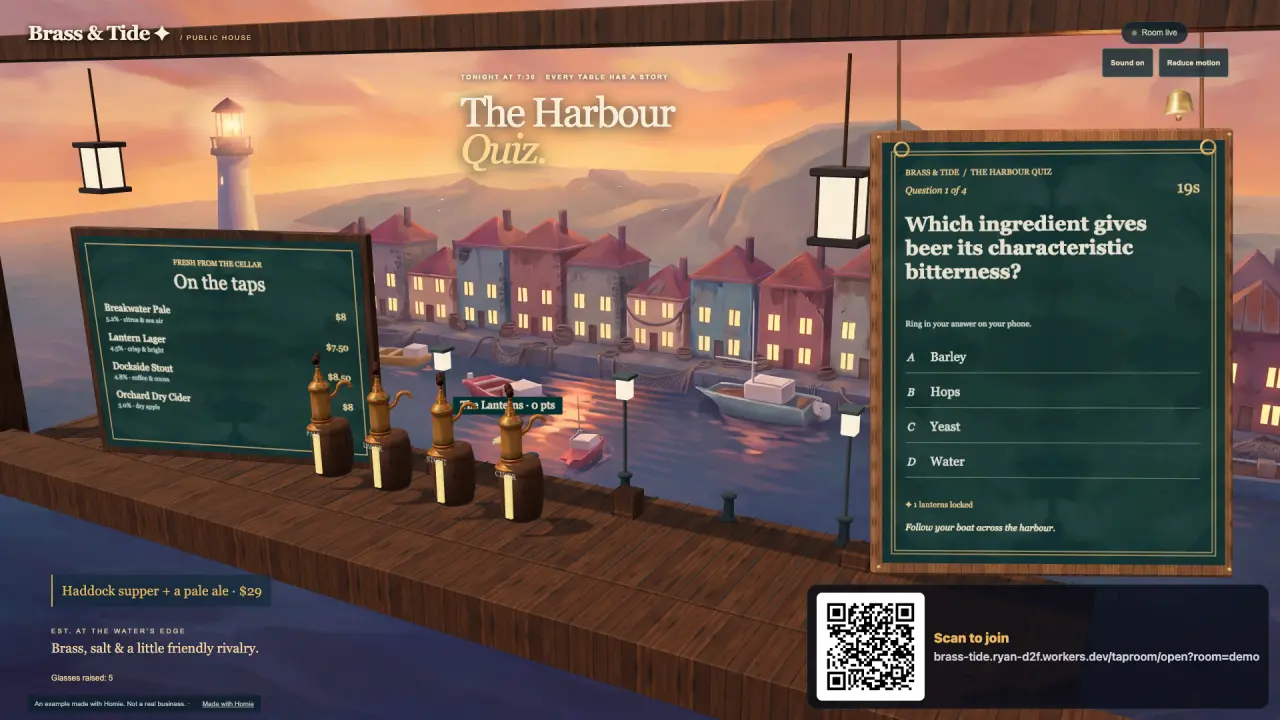
The harbour carries the tap list and the teams’ boats.
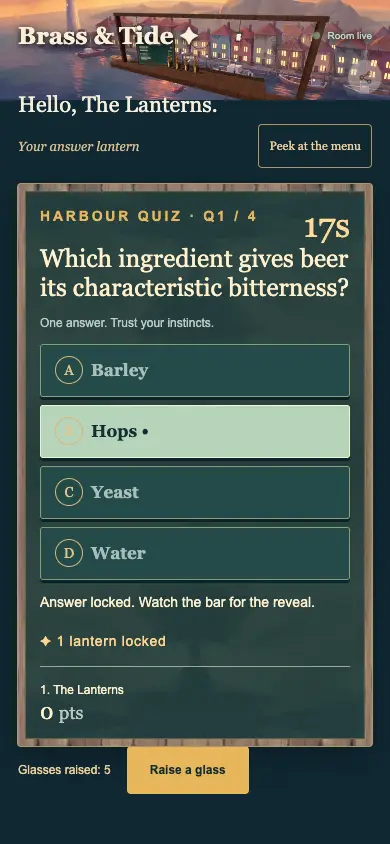
Guests read the menu and answer the quiz.
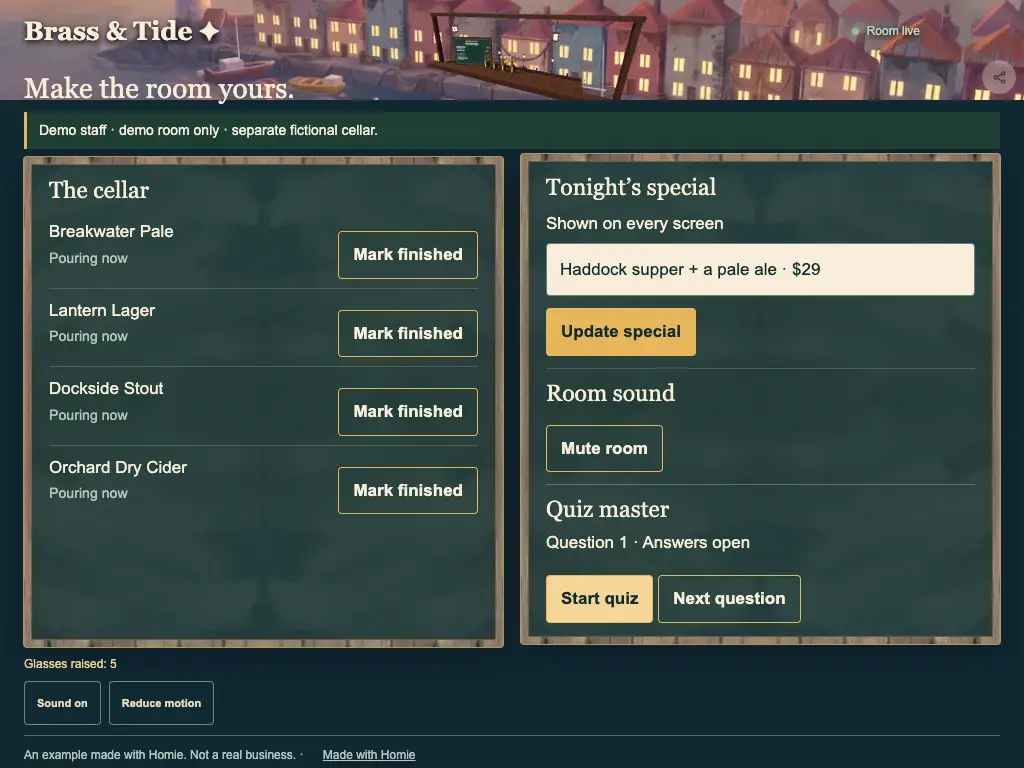
Your team changes the menu and runs the quiz.
Brass & Tide · Fictional example
Your AI asks about your work and style, picks the pieces that help, then builds and tests your own creation on both screens.
A compact generated brass beer tap with embedded textures, ready to place in a Three.js scene.
A tunable four-row canvas menu board with an accessible phone list, accepting your own menu, prices and colours.
Three responsive painted harbour-at-dusk backdrops for a warm coastal venue screen.
Locally synthesized pencil, wood, slate, lantern and ship-bell cues for quiet venue interactions.
A hanging Three.js quiz slate with timber frame, brass bell and repaint-on-change lettering; bring your own questions and state.
A silent eight-second harbour film and an idle-only, reduced-motion-aware wall treatment.
Make me a screen and phone ordering for my cocktail bar, starting from Brass & Tide’s parts.
The example’s story and partsFind its parts in the catalogue
Start here
A few steps on your computer. Then make something of your own.
An extension adds Homie’s building tools to your AI app so it can make and test your project.
In the Claude desktop app:
Download Homie for Claude DesktopOpen the file, choose Install, keep the Studios folder, then choose New chat.
Claude shows an unsigned-extension notice. When it asks to use a Homie tool, choose Always allow to keep the build moving.
Paste into your AI’s chat. Add your own idea.
Your AI builds a preview. You approve before it goes online.
Claude Desktop, ChatGPT / Codex or Grok Bot: pick a plan that includes the app you want to use.
You could build
Phones, wall screens and staff tablets share one live view. Your AI shapes it around the way your team works.
The tap list, the specials or the match-day menu, live and in your look. Say it changed and it changes. See it at Brass & Tide
They scan the code on the table and they are in: the menu, the game, the queue for the pool table. See it at Brass & Tide
A waitlist on a touchscreen. The wall shows who is next, and the guest’s phone says when.
Guests tap what they want at the table and it lands on the kitchen’s screen.
A concierge that answers guests: when breakfast is, where the trail starts, what is on in the bar.
Check guests in on a tablet as they board, then run a game on the coach.
Your questions, your prizes, and your regulars’ names on the big screen. See it at Brass & Tide
A stamp card that is a game: they collect, level up and come back.
The day’s bookings as a living picture on the office laptop.
A code on the table opens the products and services you sell: menu items, tickets or booking deposits.
Your AI builds yours on Homie’s core, shaped around the people who use it.
Costs and earning
Help
One line to your AI starts it, and each new idea is one more sentence.